

Pade - Unified Communications
38 hinnangut
)
Ülevaade
Pade is a web extension application for unified communications
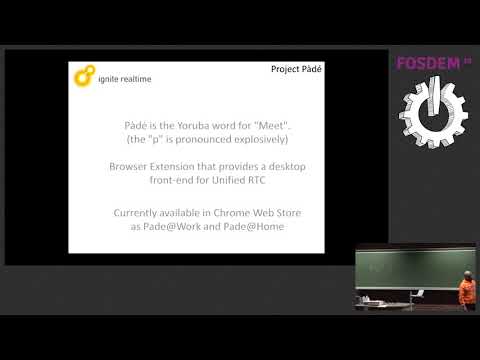
Pàdé is the Yoruba word for "Meet". It is a unified communications client for Openfire and uses the following front end web applications. - Converse.js for XMPP chat, group-chat and voice-chat with XMPP - Jitsi Meet for SFU-based WebRTC audio/video conferencing/meetings and screen share All web application run from within a browser extension in native application windows and combine together to provide: Modern HTML5 user interface; Single user authentication and sign-on; Windows SSO, Credential Management API and Smart ID support Modern chat user experience; chats, group chats and message broadcasts with private chat responses. Message Styling with markdown plain text Interactive content; mentions, hashtags, forms and H5P/xAPI support Audio Video conferencing (WebRTC); Webinars; Single talker and multiple listeners Online Meeting/Conference planner with a calendar or CRON trigger; Screen sharing, Co-browsing and Application sharing/real-time collaboration Agent support for live conversations with web site visitors using chat, audio and video conferencing. Support hardware devices like MIDI touch-pads and HID USB touch devices like the Elgato stream deck
4,2/538 hinnangut
Üksikasjad
- Versioon2.2.0
- Värskendatud27. juuni 2025
- Pakub:olajide.dele
- Suurus23.42MiB
- KeeledEnglish
- ArendajaInspired Futures Ltd
Park Lane Business Centre Park Lane Langham Colchester CO4 5WR GBE-post
olajide.dele@gmail.com - MittekauplejaSee arendaja pole ennast kauplejaks määranud. Pange tähele, et Euroopa Liidu tarbijate puhul ei kehti tarbijaõigused teie ja selle arendaja vahelistele lepingutele.
Privaatsus

See arendaja kinnitab, et teie andmeid:
- ei müüda kolmandatele osapooltele väljaspool heakskiidetud kasutusjuhtumeid;
- ei kasutata ega edastata eesmärkidel, mis pole seotud üksuse põhifunktsiooniga;
- ei kasutata ega edastata krediidivõime väljaselgitamiseks ega laenu pakkumiseks.
Tugi
Küsimuste, soovituste või probleemide korral abi saamiseks avage see leht oma arvutibrauseris