


概述
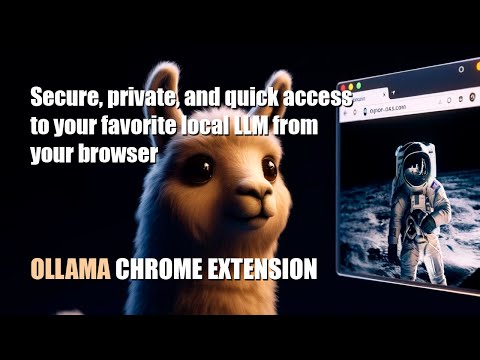
Quick access to your favorite local LLM from your browser (Ollama).
Ollama UI. Small open-source extension for Chromium-based browsers like Chrome, Brave, or Edge to quickly access your favorite local AI LLM assistant while browsing. Some features of this version: - Compatible with any LLM model included in Ollama (Llama3, Phi3, Mistral, Gemma...) - Selector for on-the-fly switching between installed models - Direct access via the sidebar (in supported browsers) and through a new tab - Markdown format support - Text rendering by tokens (stream) - Simple and lightweight design - Theme support. Light, Dark, NOSTROMO COMPUTER MU-TH-UR 6000 and Retro Terminal (MSDOS "Perfect DOS VGA") - Pre-promt and scenarios to quickly load your LLM in the right mood :) - Customization options: font size, local user and LLM name, header text - Open source Simply click on the extension icon and start chatting with your virtual assistant. Right-click on the extension icon to open a new tab. Make sure you have installed Ollama, and it is running: Download Ollama: https://ollama.com/ Install any of the available models on Ollama. For example, for LLama3 from META, type "ollama run llama3:8b" in your OS terminal. Llama-3 Installation video tutorial: https://www.youtube.com/watch?v=7ujZ1N4Pmz8
4.3 星(5 星制)3 个评分
详情
隐私权
该开发者已声明,您的数据:
- 不会因未获批准的用途出售给第三方
- 不会为实现与产品核心功能无关的目的而使用或转移
- 不会为确定信用度或放贷目的而使用或转移