


Overview
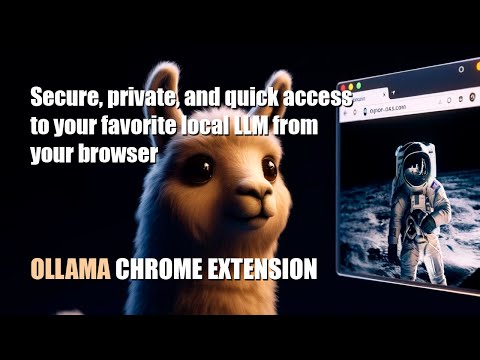
Quick access to your favorite local LLM from your browser (Ollama).
Ollama UI. A lightweight, open-source extension for Chromium-based browsers (Chrome, Brave, Edge) that gives you instant access to your local AI assistant while you browse. Features: - Works with any Ollama model — Llama 3, Qwen, Gemma, Mistral, DeepSeek, and more - Configurable Ollama host — connect to a remote server on your local network or anywhere - Switch between installed models on the fly - Streaming responses rendered token by token - Full Markdown support in conversations - Access from the sidebar (supported browsers) or as a new tab - Pre-prompts and scenarios to set the right context for your LLM - 6 built-in themes: Light, Dark, Light Modern, Dark Modern, Retro Terminal (MS-DOS), and NOSTROMO MU-TH-UR 6000 - Soul Identity Injection (experimental) — inject rich AI personalities like MU-TH-UR 6000, HAL 9000, or OS1 into your conversations. Powered by soul-protocol.com - Customization options: font size, username, assistant name, header text - Simple, fast, private — no accounts, no telemetry, no external servers Getting started: 1. Install Ollama from https://ollama.com 2. Pull a model from your terminal, e.g.: ollama run llama3:8b 3. Click the extension icon to start chatting. Right-click to open in a new tab. Video tutorial: https://www.youtube.com/watch?v=7ujZ1N4Pmz8
4.3 out of 53 ratings
Details
- Version1.04
- UpdatedFebruary 20, 2026
- Size4.34MiB
- LanguagesEnglish
- DeveloperWebsite
Email
luishernandezgarrido@gmail.com - Non-traderThis developer has not identified itself as a trader. For consumers in the European Union, please note that consumer rights do not apply to contracts between you and this developer.
Privacy

This developer declares that your data is
- Not being sold to third parties, outside of the approved use cases
- Not being used or transferred for purposes that are unrelated to the item's core functionality
- Not being used or transferred to determine creditworthiness or for lending purposes