


概要
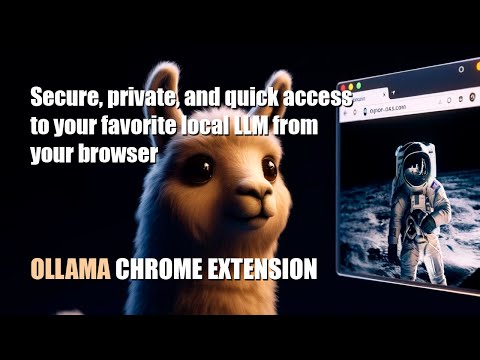
Quick access to your favorite local LLM from your browser (Ollama).
Ollama UI. Small open-source extension for Chromium-based browsers like Chrome, Brave, or Edge to quickly access your favorite local AI LLM assistant while browsing. Some features of this version: - Compatible with any LLM model included in Ollama (Llama3, Phi3, Mistral, Gemma...) - Selector for on-the-fly switching between installed models - Direct access via the sidebar (in supported browsers) and through a new tab - Markdown format support - Text rendering by tokens (stream) - Simple and lightweight design - Theme support. Light, Dark, NOSTROMO COMPUTER MU-TH-UR 6000 and Retro Terminal (MSDOS "Perfect DOS VGA") - Pre-promt and scenarios to quickly load your LLM in the right mood :) - Customization options: font size, local user and LLM name, header text - Open source Simply click on the extension icon and start chatting with your virtual assistant. Right-click on the extension icon to open a new tab. Make sure you have installed Ollama, and it is running: Download Ollama: https://ollama.com/ Install any of the available models on Ollama. For example, for LLama3 from META, type "ollama run llama3:8b" in your OS terminal. Llama-3 Installation video tutorial: https://www.youtube.com/watch?v=7ujZ1N4Pmz8
5 点満点で 4.33 件の評価
詳細
プライバシー
このデベロッパーは、お客様のデータについて以下を宣言しています
- 承認されている以外の用途で第三者に販売しないこと
- アイテムの中心機能と関係のない目的で使用または転送しないこと
- 信用力を判断する目的または融資目的で使用または転送しないこと