


概述
View, edit, analyse and compare contents of OOXML documents.
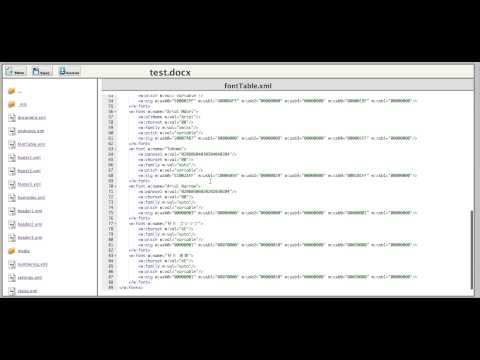
This application is meant for developers who are working on Office Open XML (OOXML or openXML) file formats (e.g. docx, pptx, xlsx etc). Developer working on Office Open XML format has to regularly analyze and edit the OOXML parts. For that he has to unarchive the OOXML document and open XML file part with some XML editor to analyze/edit its contents. He has to again zip the xml parts to create OOXML document. This process is painful and messy. Another common task OOXML developer has to perform is to compare 2 OOXML documents part by part to analyze the differences. "OOXML Tools" contains 2 utility programs to simplify these tasks. The first is called OOXML editor and it gets activated when user drags and drops single OOXML package onto the application area. OOXML editor shows file/folder hierarchy in the left panel just the way it is present in the OOXML package. Clicking the OOXML part from left panel shows its contents on the right panel. User can edit the OOXML part and save it. The editor also makes sure that after editing, the xml is well formed. The second utility gets activated when user drags and drops 2 OOXML package simultaneously on to the application area. User can select which files he wants to see on the left side and which on the right side. It then shows a nice review panel that lists OOXML parts side-by-side from both the OOXML package. Parts that have differences are marked in red. Parts that are added or lost are marked in blue. Double clicking on these highlighted items shows detailed XML level differences for these parts.
4.5 星(5 星制)34 个评分
详情
隐私权

支持
若有任何疑问、建议或问题,请在桌面浏览器中打开此页面