


Overview
Save, organize, restore, and securely sync browser tabs with an encrypted tab manager and session manager.
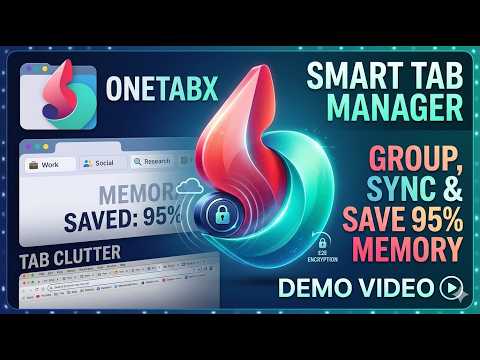
TabHub helps you save, restore, organize, and securely sync browser tab sessions across devices. Unlike simple tab dump tools, TabHub supports encrypted cloud sync, pinned sessions, starred sessions, locked sessions, search, dark mode, and recovery protection. TabHub is a clean, secure tab manager and browser session manager for people who open too many tabs and do not want to lose them. Save open tabs into organized sessions, restore them later, and keep your browsing workspace backed up with end-to-end encrypted cloud sync. Save and restore tabs without clutter Turn a crowded browser window into a lightweight saved session in one click. Restore a full session, selected tabs, or individual links whenever you need them. TabHub helps reduce tab overload while keeping important pages easy to find. Encrypted cloud sync across devices Back up and sync saved tab sessions with end-to-end encryption. Your tab data is encrypted on your device before it reaches the cloud, so your saved links and sessions stay private. A Recovery Password helps you access encrypted sessions on a new device. A powerful OneTab alternative Use TabHub as a modern OneTab-style tab saver with more control: named sessions, pinned sessions, starred sessions, locked sessions, search, dark mode, tab groups, and cloud backup. It is built for research, work, shopping, learning, development, and everyday browsing. Find tabs fast Search saved tabs and sessions by title, URL, and saved page content. Stop digging through browser history or bookmarks when you only need to recover the tabs from a specific task or project. Built for privacy and productivity TabHub keeps the everyday workflow simple: save tabs, organize sessions, restore when needed, and sync securely when you choose. It is ideal for students, researchers, developers, writers, founders, and anyone who treats browser tabs like a workspace. Key features: Save all open tabs in one click Save selected tabs Restore sessions, individual tabs, or tab groups Search saved tabs and sessions Pin, star, lock, rename, and organize sessions End-to-end encrypted cloud sync Recovery Password for cross-device access Dark mode Clean, fast interface for daily tab management
4.5 out of 56 ratings
Details
- Version4.1.2.0
- UpdatedJune 14, 2026
- FeaturesOffers in-app purchases
- Offered byRishabh
- Size1.63MiB
- Languages18 languages
- Developer
Email
rushabhmalwade@gmail.com - Non-traderThis developer has not identified itself as a trader. For consumers in the European Union, please note that consumer rights do not apply to contracts between you and this developer.
Privacy

This developer declares that your data is
- Not being sold to third parties, outside of the approved use cases
- Not being used or transferred for purposes that are unrelated to the item's core functionality
- Not being used or transferred to determine creditworthiness or for lending purposes