

One Last Video
Overview
Make your current YouTube video your last. Hide recommendations and stop when it ends.
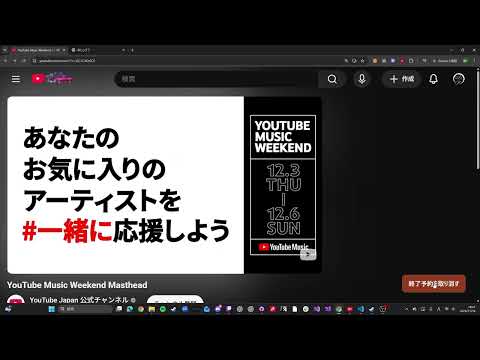
Make the YouTube video you’re watching your last one for today. Click “Stop after this video” in the bottom-right corner of a YouTube video page. One Last Video hides recommendations and shows a prompt when the video ends. You can then close the tab or keep watching. • Changed your mind? Click “Cancel stop” at any time before the video ends. • Turn the extension on or off from the toolbar icon. • The interface is available in English and Japanese. All features are free. No account required.
0 out of 5No ratings
Details
- Version0.3.2
- UpdatedNovember 19, 2026
- Offered byhazu0117a@gmail.com
- Size12.17KiB
- Languages2 languages
- Developer
Email
hazu0117a@gmail.com - Non-traderThis developer has not identified itself as a trader. For consumers in the European Union, please note that consumer rights do not apply to contracts between you and this developer.
Privacy

One Last Video has disclosed the following information regarding the collection and usage of your data. More detailed information can be found in the developer's privacy policy.
One Last Video handles the following:
This developer declares that your data is
- Not being sold to third parties, outside of the approved use cases
- Not being used or transferred for purposes that are unrelated to the item's core functionality
- Not being used or transferred to determine creditworthiness or for lending purposes