

One-Click Full Page Screenshot
Overview
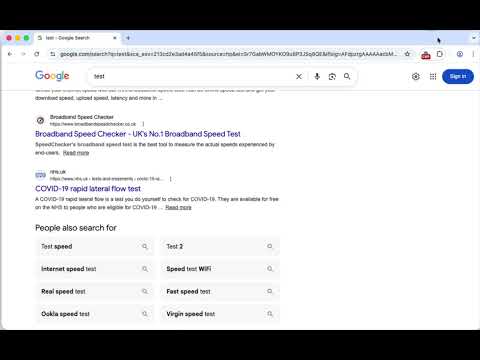
Takes a full-page screenshot of the current tab when clicked and saves it as a PNG.
Capture full-page screenshots of any website with a single click. This extension scrolls through the page, captures each section, and stitches everything together into one clean image — automatically downloaded to your device. No accounts, no tracking, no ads. Features: - One-click full-page screenshots - Smart stitching with no seams or gaps - Handles sticky headers and dynamic content - Works with long and complex pages - Automatically saves images to your device Customisable options: - Control maximum capture length - Adjust delay for slow-loading pages - Hide sticky UI elements - Optionally hide video and canvas content Privacy-focused: - No data collection - No analytics - No external requests - Everything runs locally in your browser Designed to be simple, fast, and respectful of your privacy.
0 out of 5No ratings
Details
- Version1.0.1
- UpdatedApril 6, 2026
- Size25.75KiB
- LanguagesEnglish
- Developer
Email
manix84+chrome_extensions@gmail.com - Non-traderThis developer has not identified itself as a trader. For consumers in the European Union, please note that consumer rights do not apply to contracts between you and this developer.
Privacy

This developer declares that your data is
- Not being sold to third parties, outside of the approved use cases
- Not being used or transferred for purposes that are unrelated to the item's core functionality
- Not being used or transferred to determine creditworthiness or for lending purposes