

OmniBrain
3 ratings
)
Overview
Create folders, organize your chats, search timeline, supported for ChatGPT, Gemini, and Claude
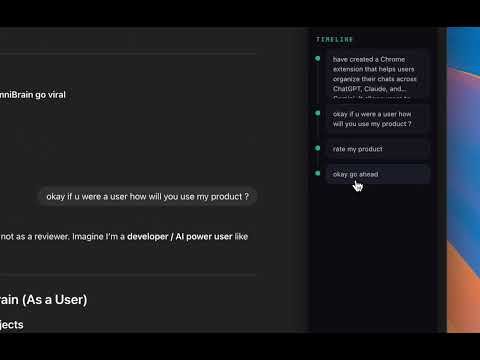
OmniBrain saves your AI conversations across ChatGPT, Gemini and Claude in one place. Privacy first: All data is stored locally on your device. Nothing is sent to external servers. Your conversations stay private. Features: • Timeline view — Browse saved chats in chronological order • Semantic search — Find conversations by meaning, not just keywords • Folders — Organize chats into folders • Filters — Filter by platform, folder, or starred • Sort — Sort by recent, oldest, most messages, or alphabetically • In-chat timeline — Quick view of user messages in the current chat on each AI site •Jump straight to the right message – Instantly navigate to the exact chat message you saved, directly from the sidebar, so you don’t waste time scrolling through long conversations Use the side panel to search, filter, and open past conversations. Works on chatgpt.com, gemini.google.com, claude.ai
5 out of 53 ratings
Details
- Version1.0.1
- UpdatedMarch 16, 2026
- Offered byDivyesh Jain
- Size82.18KiB
- LanguagesEnglish
- Developer
Email
divyeshj301@gmail.com - Non-traderThis developer has not identified itself as a trader. For consumers in the European Union, please note that consumer rights do not apply to contracts between you and this developer.
Privacy

OmniBrain has disclosed the following information regarding the collection and usage of your data. More detailed information can be found in the developer's privacy policy.
OmniBrain handles the following:
This developer declares that your data is
- Not being sold to third parties, outside of the approved use cases
- Not being used or transferred for purposes that are unrelated to the item's core functionality
- Not being used or transferred to determine creditworthiness or for lending purposes