

OmniBar

Overview
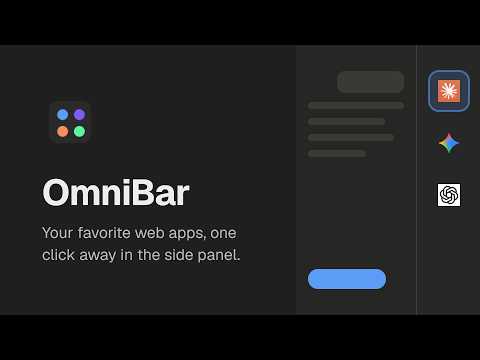
A customizable sidebar that keeps your web apps and AI assistants one click away, working alongside you in Chrome's side panel.
Keep your favorite web apps open beside your current tab. With OmniBar, you can take notes while you research, keep a tool handy, or ask an AI assistant for help without leaving your work. - Build your own app dock. Add sites by URL, rename them, and drag them into the order you want. - Work with the AI chat you prefer. Open ChatGPT, Claude, Gemini or more right beside your work and switch between them from the dock. - Summarize the page you’re on. Send the current tab’s link to your chosen chat app with a summary prompt. - Ask about the page. Start with its link already in the chat box, then add your own question. - Customize your setup. Choose which app opens by default, set mobile or desktop view per app, pick a theme, and change the sidebar shortcut. Your app list and settings stay on your device. AI page actions require your permission. OmniBar sends app hostnames to Google for icons and checks for sign-in errors locally. Some apps may require a separate sign-in.
0 out of 5No ratings
Details
- Version2.0.0
- UpdatedNovember 21, 2026
- Offered byJeremy Hou (GoSlowPoke168)
- Size71.25KiB
- LanguagesEnglish
- Developer
Email
omnibar.extension@gmail.com - Non-traderThis developer has not identified itself as a trader. For consumers in the European Union, please note that consumer rights do not apply to contracts between you and this developer.
Privacy

OmniBar has disclosed the following information regarding the collection and usage of your data. More detailed information can be found in the developer's privacy policy.
OmniBar handles the following:
This developer declares that your data is
- Not being sold to third parties, outside of the approved use cases
- Not being used or transferred for purposes that are unrelated to the item's core functionality
- Not being used or transferred to determine creditworthiness or for lending purposes
Support
For help with questions, suggestions, or problems, visit the developer's support site