

Console Injection+

Overview
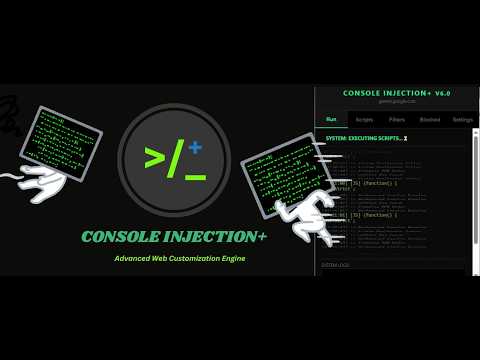
Console Injection+ is a powerful developer and productivity tool designed to give you complete control over your browsing…
Console Injection+ is a powerful developer and productivity tool designed to give you complete control over your browsing environment. It functions as a universal web-customization engine, allowing you to modify how websites look and behave in real-time. * Key Features: 01. Custom Script & CSS Injection: Easily inject your own JavaScript and CSS into any webpage to automate tasks or change the site's appearance. 02. Network Filtering: Block aggressive advertising scripts, tracking pixels, and malicious domains before they even load using high-performance network filtering. 03. Tab Management: Automatically detect and suppress intrusive "pop-under" ads and empty about:blank popups. 04. Domain-Specific Rules: Create and save custom filters and scripts that apply automatically whenever you visit a specific site. 05. Privacy-First Design: We operate on a "Zero-Data-Exfiltration" policy. All your scripts, blocklists, and configurations are stored strictly on your local device and are never transmitted to external servers. Whether you are a developer debugging code or a power user looking for a cleaner, faster web experience, Console Injection+ provides the tools you need to take back control of the web.
5 out of 52 ratings
Details
- Version6.1
- UpdatedFebruary 2, 2026
- Size35.48KiB
- LanguagesEnglish (United States)
- DeveloperWebsite
Email
k8775.jayasankha@gmail.com - Non-traderThis developer has not identified itself as a trader. For consumers in the European Union, please note that consumer rights do not apply to contracts between you and this developer.
Privacy

This developer declares that your data is
- Not being sold to third parties, outside of the approved use cases
- Not being used or transferred for purposes that are unrelated to the item's core functionality
- Not being used or transferred to determine creditworthiness or for lending purposes
Support
For help with questions, suggestions, or problems, visit the developer's support site