

Notion Word & Character Count

Overview
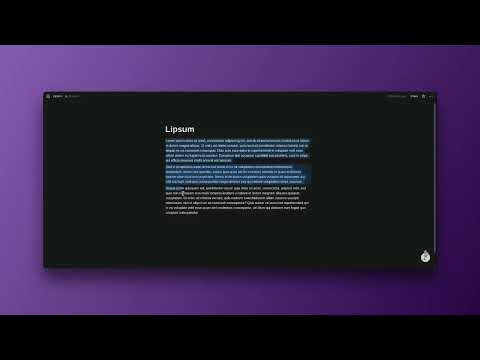
Adds a word and character count to Notion's block selection popup.
Description: This extension seamlessly integrates a real-time word and character counter directly into your Notion workspace. Whenever you highlight text in a Notion document, the standard formatting menu that appears will now also display the exact word and character count for your selection. Key Features: * In-Menu Display: The count appears as a new line item ("X Words, Y Characters") within the familiar text formatting popup, right below options like "Color." * Real-Time Updates: The count updates instantly as you change your selection or edit the highlighted text. * Works with Blocks: It accurately counts words and characters whether you've selected multiple full blocks or just a single block. * Non-Intrusive: The counter is discreetly placed within the existing Notion interface and only appears when text is selected, ensuring a clean and distraction-free experience. How it Works: Simply install the extension and continue using Notion as usual. The next time you click a text block, you'll instantly see your word and character count without needing to copy and paste into another tool.
0 out of 5No ratings
Details
- Version1.0.0
- UpdatedOctober 31, 2025
- Size21.4KiB
- LanguagesEnglish
- Developer
Email
contact@maximusadeola.com - Non-traderThis developer has not identified itself as a trader. For consumers in the European Union, please note that consumer rights do not apply to contracts between you and this developer.
Privacy

This developer declares that your data is
- Not being sold to third parties, outside of the approved use cases
- Not being used or transferred for purposes that are unrelated to the item's core functionality
- Not being used or transferred to determine creditworthiness or for lending purposes