


개요
Capture web content for Gemini Notebook, Google Sheets, Google Drive, Clipboard, or Local folder.
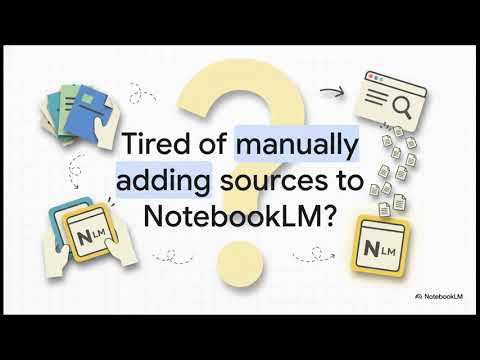
Still importing Gemini Notebook (NotebookLM) sources by hand? Manually copy-pasting data into Google Sheets? WebSync works the site in your Chrome — search, click, next page, signed-in portals — then sends the result where you need it. No more page-by-page copy-paste. If you ever: - Need whole docs sites, wikis, or multi-page results as Notebook sources - Hit a paywall or login wall that blocks Notebook's add source method - Want structured data from directories into Google Sheets - Import YouTube videos, playlists, or search results - Forward email or sync Drive into Gemini Notebook - Save captures to Drive, downloads, or the clipboard → This is for you. 🚀 What you can do - Crawl and import full websites (not just one page) - Capture login-protected and dynamic content using the session already open in Chrome - Import YouTube videos, playlists, and search results to Gemini Notebook - Email → Notebook and Drive → Notebook flows - Export structured web data to Google Sheets - Save captures to Google Drive, downloads, or the clipboard - Run crawls on a schedule ✨ What makes WebSync different - Runs in your browser — uses the login you already have. Not a cloud agent. - If you can see it in Chrome, WebSync can work the steps and send it to your destination - Multiple destinations: Gemini Notebook, Google Sheets, Google Drive, clipboard, downloads - Catalog of ready site workflows (Smart Crawl) when a page needs custom click/search paths — request one if you don’t see yours - Automated crawl schedules ⚡ How to Start - Open the site you care about - Click the WebSync extension - Pick your destination (Notebook, Drive, or Sheets) - Import the page, crawl the site, or export the data (Optional) Sign in for advanced flows like scheduled crawls and Email/Drive → Notebook. ❓ More details: https://getwebsync.com/faq 🤝 Support Need help or a Smart Crawl setup? 📬 support@getwebsync.com 📩 https://tally.so/r/nGYE42 🔒 Privacy Runs locally in your browser using your Gemini Notebook (NotebookLM) session. None of your data is sent to WebSync servers unless you opt in.
5점 만점에 4.5점평점 45개
세부정보
개인정보 보호

WebSync for Gemini Notebook, Drive, and Sheets에서 데이터 수집 및 사용과 관련하여 다음 정보를 공개했습니다. 더 자세한 정보는 개발자의 privacy policy을 참고하세요.
WebSync for Gemini Notebook, Drive, and Sheets 항목은 다음을 처리합니다.
개발자가 사용자 데이터에 관해 다음과 같이 선언했습니다
- 승인된 사용 사례를 제외하고 서드 파티에 판매하지 않음
- 항목의 핵심 기능과 관련 없는 목적으로 사용하거나 전송하지 않음
- 신용도 판단 또는 대출 목적으로 사용하거나 전송하지 않음
지원
질문, 제안 또는 문제와 관련하여 도움이 필요하시면 개발자의 지원 사이트를 방문하세요.