

Nook | AI Answering Sidebar on Any Page
1 rating
)
Overview
Screenshot any page or right-click highlighted text to get an answer. Your own Gemini chat stays in the sidebar.
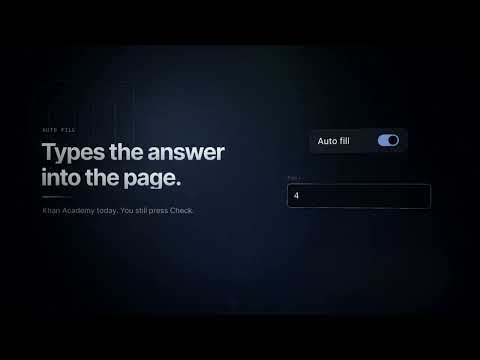
Press What’s the answer?, or the hotkey Option+Shift+A on Mac (Alt+Shift+A on Windows). Nook does the rest on its own and is completely FREE. It screenshots the page, asks your own signed-in Gemini account, and formats the answer for that site. Then it fills the answer into the page. If the page has nowhere to type, it copies the answer so you can paste it. Nook does not press Check or Submit. Use it for math, school assignments, quizzes, and any other page where the question is on screen. The same sidebar is also your normal Gemini chat, so you can ask a follow-up without leaving the page. How to start 1. Click the Nook icon to open the sidebar. 2. Sign in to your Google account if Gemini asks you to. Sign-in opens in a normal tab. Come back to the sidebar and press reload. 3. Open the page with your question. 4. Press the hotkey, or press What’s the answer?. The screenshot, the answer, and the fill or copy all happen from that one press. Auto fill and Auto copy are on by default. Turn them off in the sidebar if you only want to see the answer. Screenshot is there when you want to attach the page and ask your own question instead. Nook does not have its own account and does not run a server. Your questions go to your Gemini account, the same way they would on gemini.google.com. Settings stay on your device. Permissions - It reads and screenshots the page you are answering so it can see the question and place the answer. - It loads your Gemini page inside the sidebar. - It stores your settings on this device and can copy an answer when you ask it to.
5 out of 51 rating
Details
- Version6.0.0
- UpdatedNovember 4, 2026
- Offered byNikhil Konduru
- Size67.75KiB
- LanguagesEnglish (United States)
- DeveloperNook AI
501 Folsom St San Francisco, CA 94105-3175 USEmail
nikhilkonduru8@gmail.com - Non-traderThis developer has not identified itself as a trader. For consumers in the European Union, please note that consumer rights do not apply to contracts between you and this developer.
Privacy

Nook | AI Answering Sidebar on Any Page has disclosed the following information regarding the collection and usage of your data. More detailed information can be found in the developer's privacy policy.
Nook | AI Answering Sidebar on Any Page handles the following:
This developer declares that your data is
- Not being sold to third parties, outside of the approved use cases
- Not being used or transferred for purposes that are unrelated to the item's core functionality
- Not being used or transferred to determine creditworthiness or for lending purposes