

Outlook Calendar Assistant: Event Creator
ExtensionWorkflow & Planning102 users

Overview
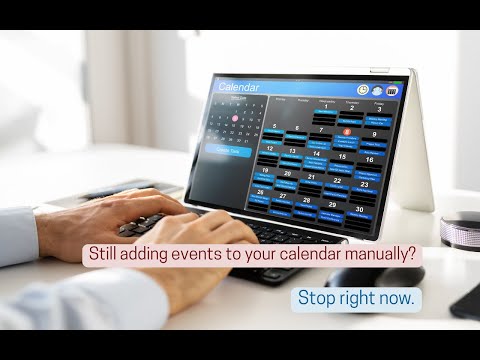
Stop Copy-Pasting. Create calendar events from any text in seconds.
📅 Create Outlook Calendar events from any text — in seconds. Highlight text anywhere, right-click, and it's added to your calendar with the title, time, and location already filled in. 𝗛𝗼𝘄 𝗶𝘁 𝘄𝗼𝗿𝗸𝘀: 1️⃣ Highlight text (e.g. "Lunch Friday at 1 PM") 2️⃣ Right-click → "Add to Outlook Calendar" 3️⃣ Review & Save 𝗪𝗵𝘆 𝘆𝗼𝘂'𝗹𝗹 𝗹𝗼𝘃𝗲 𝗶𝘁: 🧠 Understands natural language ("next Tuesday at 4pm") 🌐 Works on any website or email ⚡ 2 clicks instead of 10+ 🔒 Your text is never stored or sold 🚀 Free forever — up to 5 events a day. #Outlook #Productivity #Calendar #ChromeExtension #AI #TimeSaver
5 out of 54 ratings
Details
- Version1.5.2
- UpdatedJuly 20, 2026
- Size31.69KiB
- LanguagesEnglish
- DeveloperAmdion (by Green Leaps LLC)Website
1048B Sagamore Pkwy W #1002 West Lafayette, IN 47906 USEmail
developer@amdion.orgPhone
+1 812-302-2364 - TraderThis developer has identified itself as a trader per the definition from the European Union and committed to only offer products or services that comply with EU laws.
Privacy

Manage extensions and learn how they're being used in your organization
The developer has disclosed that it will not collect or use your data.
This developer declares that your data is
- Not being sold to third parties, outside of the approved use cases
- Not being used or transferred for purposes that are unrelated to the item's core functionality
- Not being used or transferred to determine creditworthiness or for lending purposes