


總覽
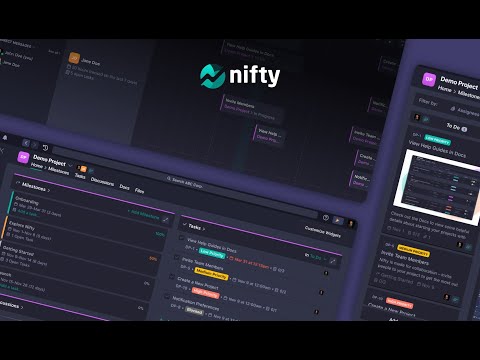
Nifty is a new wave productivity app to manage tasks, track time, collaborate on docs, and chat with your team -- all in one place.
Nifty's revolutionary Chrome Extension will help you do better work using fewer tools, by replacing five apps with one. Close the gap between the planning and action phases of your work with the #1 easiest to use workflow management app ranked by G2 & Gartner. 🔥 With this extension, you can: • Create personal and project tasks • Track time on new and existing tasks • Create personal notes and jot down ideas • Chat in real-time with your team • Share files with your teammates Nifty is free forever with 100MB of storage space, unlimited tasks, and users. Installing the Chrome Extension: 1. Click Add to Chrome 2. Click Add extension in the next popup 3. Click the Nifty extension icon at the top of your browser window. 4. Log in to your Nifty Account 5. Select the Workspace(s) that should have access To hide the draggable floating icon, you can go to settings and toggle off the floating button. To move the floating icon around, you can simply drag it across the browser and the placement will be saved based on the website you're on. Be sure to visit the website to learn more about how Nifty can change the way you work.
5 分 (滿分 5 分)7 個評分
詳細資料
隱私權
這位開發者就你的資料做出下列聲明:
- 除經核准的用途外,不會將你的資料販售給第三方
- 不會基於與商品核心功能無關的目的,使用或轉移資料
- 不會為了確認信用度或基於貸款目的,使用或轉移資料
支援
如有疑問或建議,請使用電腦版瀏覽器開啟這個頁面