


概述
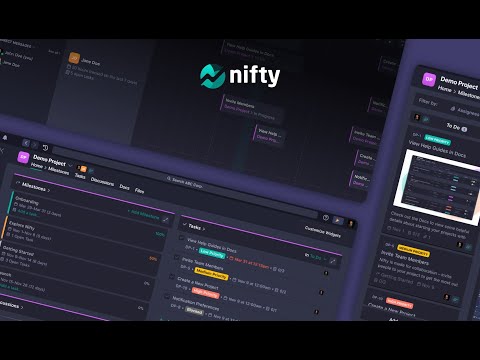
Nifty is a new wave productivity app to manage tasks, track time, collaborate on docs, and chat with your team -- all in one place.
Nifty's revolutionary Chrome Extension will help you do better work using fewer tools, by replacing five apps with one. Close the gap between the planning and action phases of your work with the #1 easiest to use workflow management app ranked by G2 & Gartner. 🔥 With this extension, you can: • Create personal and project tasks • Track time on new and existing tasks • Create personal notes and jot down ideas • Chat in real-time with your team • Share files with your teammates Nifty is free forever with 100MB of storage space, unlimited tasks, and users. Installing the Chrome Extension: 1. Click Add to Chrome 2. Click Add extension in the next popup 3. Click the Nifty extension icon at the top of your browser window. 4. Log in to your Nifty Account 5. Select the Workspace(s) that should have access To hide the draggable floating icon, you can go to settings and toggle off the floating button. To move the floating icon around, you can simply drag it across the browser and the placement will be saved based on the website you're on. Be sure to visit the website to learn more about how Nifty can change the way you work.
5 星(5 星制)7 个评分
详情
隐私权
该开发者已声明,您的数据:
- 不会因未获批准的用途出售给第三方
- 不会为实现与产品核心功能无关的目的而使用或转移
- 不会为确定信用度或放贷目的而使用或转移
支持
若有任何疑问、建议或问题,请在桌面浏览器中打开此页面