

Neural Lens Selection Translator

Overview
Lightweight webpage selection translation by Neural Lens.
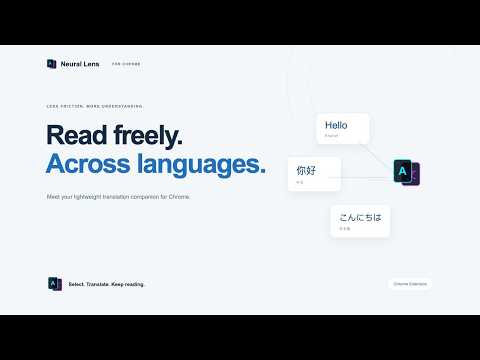
Neural Lens Selection Translator is a lightweight browser extension for quick webpage translation. Select text on any webpage, click the Neural Lens button, and get an instant translation without opening a separate app or copying text between tabs. Built for reading articles, documentation, emails, research papers, and multilingual websites, the extension focuses on one simple workflow: select, click, translate. Key features: Translate selected webpage text instantly Supports Google Translate and Bing Translate engines Engine switch inside the translation card Copy translated text with one click Lightweight extension design with no API key required Quick link to Neural Lens desktop for OCR, PDF translation, offline translation, and advanced workflows Neural Lens Selection Translator is designed as a companion to the Neural Lens desktop app. The extension handles fast webpage selection translation, while the desktop app provides heavier workflows such as screenshot OCR, PDF translation, offline translation, translation history, and document translation. Privacy note: Selected text is sent only to the translation engine you choose for the purpose of generating a translation. The extension does not require an account and does not ask users to provide API keys.
0 out of 5No ratings
Details
- Version0.1.7
- UpdatedOctober 12, 2026
- Offered byLI SHUAI
- Size508KiB
- LanguagesEnglish
- Developer
Email
suckli45@gmail.com - Non-traderThis developer has not identified itself as a trader. For consumers in the European Union, please note that consumer rights do not apply to contracts between you and this developer.
Privacy

This developer declares that your data is
- Not being sold to third parties, outside of the approved use cases
- Not being used or transferred for purposes that are unrelated to the item's core functionality
- Not being used or transferred to determine creditworthiness or for lending purposes
Support
For help with questions, suggestions, or problems, visit the developer's support site