


Overview
Adds a Publish button to website code blocks in AI chats and puts them live on free hosting.
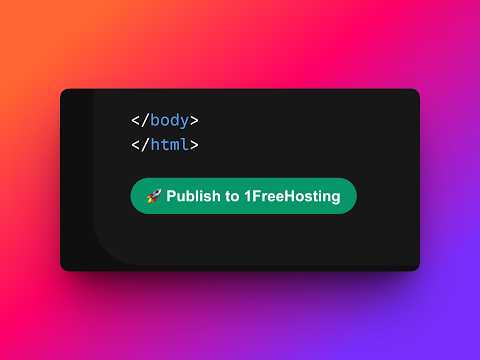
Your AI can write a website, but it can't put it online. This extension fixes that. Ask your AI chat assistant for a website. When it answers with an HTML code block, a "Publish to 1FreeHosting" button appears right under it. One click and your site is live on the internet — free, no account, no terminal, no setup. It works on all popular AI chat sites. You instantly get: • A live public link for your site • A private claim link — open it and sign in (free) to manage, edit or delete the site later The extension only runs on AI chat sites, only talks to 1freehosting.com, and only uploads a code block when you click Publish. Nothing is collected, tracked or sent anywhere else.
0 out of 5No ratings
Details
- Version2.0.0
- UpdatedAugust 20, 2026
- Size32.71KiB
- LanguagesEnglish
- DeveloperWebsite
Email
andrius.putna@gmail.com - Non-traderThis developer has not identified itself as a trader. For consumers in the European Union, please note that consumer rights do not apply to contracts between you and this developer.
Privacy

harvis — Publish HTML websites from AI chats has disclosed the following information regarding the collection and usage of your data. More detailed information can be found in the developer's privacy policy.
harvis — Publish HTML websites from AI chats handles the following:
This developer declares that your data is
- Not being sold to third parties, outside of the approved use cases
- Not being used or transferred for purposes that are unrelated to the item's core functionality
- Not being used or transferred to determine creditworthiness or for lending purposes
Support
For help with questions, suggestions, or problems, visit the developer's support site