

Overview
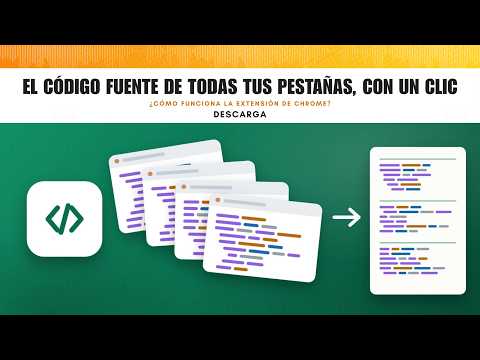
View, copy or save to a .txt file the source code of all your open tabs, in one click.
View Source of All Tabs does for every open tab at once what Ctrl+U does for one: it shows the page source. It can also gather all of it so you can copy it to the clipboard or save it as a .txt file. Handy for reviewing the HTML of several pages, comparing versions, auditing SEO tags, or passing the code of many pages to another tool in one go. WHAT IT DOES • Show source: opens the source of every tab, in the same tab or in a new tab next to each one. • Back to pages: puts everything back as it was in one click. • Copy: puts the source of all tabs on the clipboard, each page under a header with its title and address. • Save .txt: saves the same content as a UTF-8 text file in your downloads folder. • Choose whether it acts on the current window or on all windows. • Keyboard shortcut Alt+Shift+U (Option+Shift+U on Mac) toggles between source and normal page. You can change it at chrome://extensions/shortcuts. DETAILS • Pages where you are signed in are copied with your session. • Respects each page's character encoding, so accents and special characters come out right, even on older sites. • If the same address is open in several tabs, it appears only once. • You can close the menu while it copies or saves: it still finishes, and the icon shows a check mark when done. • Internal browser pages (chrome://, the Chrome Web Store) are skipped because they don't allow viewing their source. • The code is what the server returns, as with Ctrl+U, not the page after JavaScript has changed it. PRIVACY Everything happens in your browser. The extension has no servers, collects no analytics and sends nothing anywhere. Permission to read pages is only requested the first time you copy or save, and you can remove it at any time.
5 out of 51 rating
Details
- Version1.3.0
- UpdatedOctober 25, 2026
- Size28.35KiB
- Languages2 languages
- Developer
- Non-traderThis developer has not identified itself as a trader. For consumers in the European Union, please note that consumer rights do not apply to contracts between you and this developer.
Privacy

This developer declares that your data is
- Not being sold to third parties, outside of the approved use cases
- Not being used or transferred for purposes that are unrelated to the item's core functionality
- Not being used or transferred to determine creditworthiness or for lending purposes
Support
For help with questions, suggestions, or problems, visit the developer's support site