


總覽
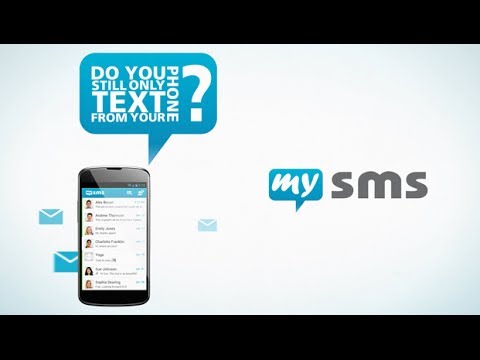
The easiest way to send and receive SMS from your Chrome browser!
The extension is directly connected to your Android phone, so there’s no need to touch your smartphone when you are in front of your computer. Stay on top of your messages while working on your computer. Read and reply incoming texts and start new messages in your Chrome browser. ● With mysms it’s fast and easy to send and receive SMS and also MMS on your computer. You can use your full computer keyboard to enter a message, add pictures and files to your message and send it to any of your phone contacts. ● You won’t miss a message when your phone is on silent or in your pocket. mysms notifies you instantly on a new message when an SMS enters your phone. Reply with only one click or delete or mark the message as read via the popup. ● Get alerts when somebody is calling you and reject the call when you can’t take it at the very moment. If you want to look up a specific call, take a look at the call log history. mysms synchronizes all calls from your phone to keep you up to date. ● mysms also shows the number of new messages and calls next to the address bar. When using Chrome, this is the best way to keep track of your text and voice communications without disturbing your work flow. Only 2 steps to set up mysms: 1) Install mysms on your Android phone via Google Play: https://play.google.com/store/apps/details?id=com.mysms.android.sms 2) Start this Chrome extension and sign in with Google To send/receive an SMS from Chrome, your phone needs to be on and must have an active data or WIFI connection as texts are sent via your Android phone. mysms uses your existing Android phone number and syncs your existing contacts and SMS from your Android phone to your Chrome browser. ****************** We'd love to hear from you! Do you have a suggestion, question or comment? Just contact us at http://support.mysms.com . You can also reach us on Facebook at http://facebook.com/mysms, Twitter http://twitter.com/mysms and Google+ http://gplus.to/mysms. Android is a trademark of Google Inc. Use of this trademark is subject to Google Permissions. Chrome is a trademark of Google Inc. Use of this trademark is subject to Google Permissions.
3.5 分 (滿分 5 分)371 個評分
詳細資料
隱私權
支援
如有疑問或建議,請使用電腦版瀏覽器開啟這個頁面