


Oversigt
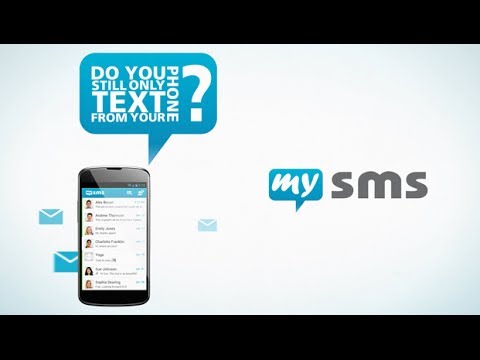
Send & receive SMS on your computer through your Android phone. Take advantage of your full keyboard instead of typing on the phone.
● Text from Chrome (real SMS and MMS) using your Android # ● Automatic sync of SMS messages between your Android phone and computer ● SMS notifications on your computer via SMS Popup ● Call notifications on your computer - when you receive a call on your phone ● Complete call log history from your Android on your computer ● MMS Group Chat (group messaging) ● Multimedia messages (picture messages and files) ● Like iMessage for your PC/Mac PLEASE NOTE: To start texting from your computer, you need to download mysms on your Android phone and register for an account. This step is required for mysms to work. This app works for Android phone users. HOW TO GET STARTED: 1) Install mysms on your Android phone via Google Play: https://play.google.com/store/apps/details?id=com.mysms.android.sms 2) Start this Chrome application and sign in with Google When using mysms you will find all existing SMS messages and contacts synchronized from your Android to your computer. Your contacts won’t recognize a difference when you text from Chrome, because texts are sent via your Android phone number. And the best of all, there is no additional charge from what your carrier charges when texting from the web. Because texts are sent via your Android phone, you must ensure an active mobile data or WI-FI connection. In addition, your phone must have battery and has to be on. ****************** We'd love to hear from you! Do you have a suggestion, question or comment? Just contact us at http://support.mysms.com . You can also reach us on Facebook at http://facebook.com/mysms, Twitter http://twitter.com/mysms and Google+ http://gplus.to/mysms.
4,2 ud af 54,8 t bedømmelser
Oplysninger
- Version5.3.4
- Opdateret10. november 2015
- Størrelse9.53KiB
- Sprog6 sprog
- Udvikler
- Ikke forhandlerDenne udgiver har ikke angivet sig selv om forhandler. Hvis du er kunde i EU, skal du være opmærksom på, at forbrugerrettighederne ikke gælder for kontrakter, der indgås mellem dig og denne udgiver.
Privatliv
Support
Åbn denne side i browseren på computeren for at få hjælp, hvis du har spørgsmål, forslag eller problemer