


Overview
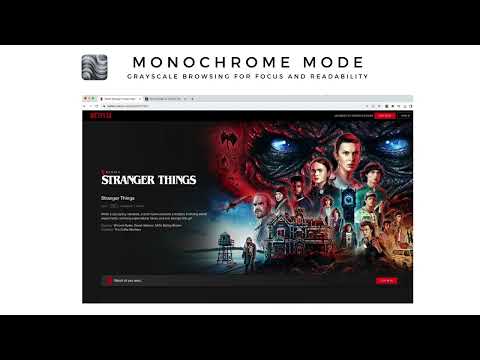
Turn websites grayscale in one click. Reduce visual noise, stay focused, and make browsing feel calmer.
Monochrome Mode helps make the web calmer by turning websites grayscale in one click, without complicated settings. Use Monochrome Mode for: - Reading long articles - Studying or coding - Reducing visual overstimulation (helpful if you have ADHD or sensory sensitivity) - Making social feeds less stimulating - Calmer browsing during work sessions - A minimalist black-and-white web experience How it works: Click the extension icon to turn grayscale mode on or off. The setting applies across all your tabs, so you can switch between color and grayscale whenever you need. Why users like it: - One-click toggle - Simple and lightweight - Works across websites - No account required - Free forever - No data collection
4.5 out of 518 ratings
Details
- Version2.0.4
- UpdatedMay 25, 2026
- Offered byPedro S.
- Size132KiB
- Languages7 languages
- Developer
Email
pmms.projects@gmail.com - Non-traderThis developer has not identified itself as a trader. For consumers in the European Union, please note that consumer rights do not apply to contracts between you and this developer.
Privacy

This developer declares that your data is
- Not being sold to third parties, outside of the approved use cases
- Not being used or transferred for purposes that are unrelated to the item's core functionality
- Not being used or transferred to determine creditworthiness or for lending purposes