


概述
直接在 Chrome 中查看 3D 模型和 CAD 文件。测量零件、估算打印重量,文件始终保留在你的电脑上。
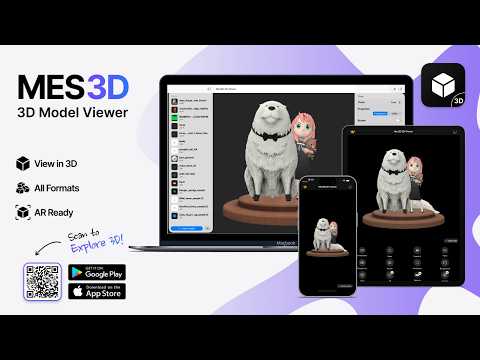
Mes3D opens 3D models in a Chrome tab, so you can check a file before you print it, share it, or open it in your CAD software. Open files your way Drag a file into the viewer, right-click a model link on any web page and choose "Open with Mes3D", or open a model straight from your downloads. Common 3D printing files such as STL and 3MF work, and so do STEP files exported from CAD tools. Look around Rotate, zoom and pan freely, jump to front, top or side views, switch between perspective and orthographic, and turn on wireframe or auto-rotate. Change the background and model color, and save a PNG snapshot. Check it before you print See the model's dimensions, measure the distance between any two points, and get its volume and estimated weight for common filaments and resin. Mes3D also checks whether the mesh is watertight and how much of it overhangs. Private by design Files are opened on your computer and never uploaded. There's no account, no ads and no tracking. Mes3D is also available at freestlviewer.com and as an app for iOS and Android.
详情
隐私权

该开发者已声明,您的数据:
- 不会因未获批准的用途出售给第三方
- 不会为实现与产品核心功能无关的目的而使用或转移
- 不会为确定信用度或放贷目的而使用或转移


