

Meet Attendance Tracker

Overview
Monitors Google Meet chat and captions for attendance roll calls and fires a loud alert so you never miss one.
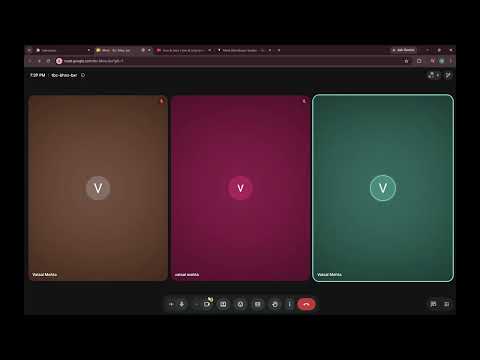
Online class, Meet tab buried behind five other windows, and the teacher suddenly starts taking attendance. This extension is for that moment. Meet Attendance Tracker reads the chat and live captions of your Google Meet call. When it looks like a roll call is happening, it plays a loud alarm, pops up a desktop notification, puts a red banner in the Meet tab and flashes the tab title, so you actually notice. It doesn't go off every time someone says "present". A single word like that counts for very little. It waits for stronger phrases ("mark your attendance", "roll number", "say present"), a few weaker hints close together, or a run of classmates typing "present" and "here" one after another. Every message counts, even when five people type the exact same thing. Make it work for your class: - Add your name or roll number as a keyword, right from the popup - Pick Low, Normal or High sensitivity - Turn each alert on or off: alarm, notification, Meet banner, tab title - Upload your own alarm sound and set the volume - Choose how long it stays quiet after an alert, so one roll call doesn't ring four times - Check the recent detections list to see what it picked up - Hit "Test alert" before class to make sure you can hear it Getting started takes a minute. Join your Meet call, open the chat panel and turn on captions (press "c"). The popup shows "Watching" once it's listening to both. No account and no sign-in. Chat and captions are read on your computer during the call, and your settings, keywords and alarm sound are saved in Chrome on your computer. Nothing is sent anywhere. Free to use. Meet Attendance Tracker isn't affiliated with or endorsed by Google. Google Meet is a trademark of Google LLC.
0 out of 5No ratings
Details
- Version1.1
- UpdatedSeptember 11, 2026
- Offered byVatsal
- Size51.81KiB
- LanguagesEnglish
- Developer
Email
mehta.vatsal2004@gmail.com - Non-traderThis developer has not identified itself as a trader. For consumers in the European Union, please note that consumer rights do not apply to contracts between you and this developer.
Privacy

This developer declares that your data is
- Not being sold to third parties, outside of the approved use cases
- Not being used or transferred for purposes that are unrelated to the item's core functionality
- Not being used or transferred to determine creditworthiness or for lending purposes