

Double Middle-Click Close Tab
5.03 ratings
500users
2026latest update
ExtensionWorkflow & Planning

Overview
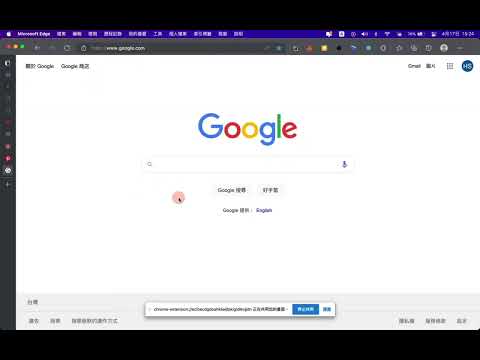
Double-click the middle mouse button to close the current tab.
Double-click the middle mouse button on a webpage to close the current tab. Adjust the double-click interval from the popup or settings page. Limitations: - Reload existing tabs after installation or updates. - Browser settings pages and extension store pages are not supported.
5 out of 53 ratings
Details
- Version1.2.0
- UpdatedNovember 2, 2026
- Offered byShawn Cheng
- Size215KiB
- Languages5 languages
- Developer
Email
chengshawnext@gmail.com - Non-traderThis developer has not identified itself as a trader. For consumers in the European Union, please note that consumer rights do not apply to contracts between you and this developer.
Privacy

Manage extensions and learn how they're being used in your organization
The developer has disclosed that it will not collect or use your data.
This developer declares that your data is
- Not being sold to third parties, outside of the approved use cases
- Not being used or transferred for purposes that are unrelated to the item's core functionality
- Not being used or transferred to determine creditworthiness or for lending purposes
Support
For help with questions, suggestions, or problems, please open this page on your desktop browser