

ḏelta time Importer

Overview
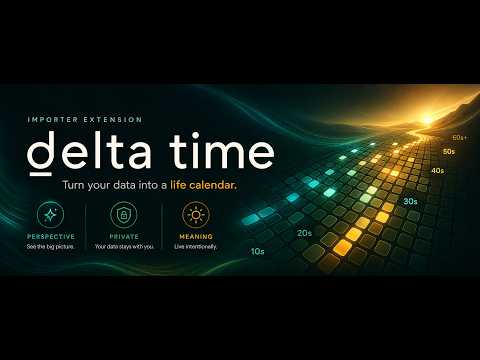
Create a ḏelta time lifetime overview quickly from your LinkedIn profile timeline.
Create lifetime overviews on deltatime.life from visible timeline data. ḏelta time Importer helps you turn visible experience, education, volunteering, and other timeline sections from supported profile pages into a reviewed lifetime calendar. Open a supported page with your own data, scan the visible content, then continue gathering data as you navigate through related detail pages. Before anything is exported, you can review every detected period, rename entries, exclude anything you do not want, and confirm ongoing roles. When you are ready, the extension creates a ḏelta time URL that opens your lifetime overview on deltatime.life. The extension only scans after you click the scan button. Your staged draft and birthdate are stored locally on your device for convenience while you gather timeline sections. No profile data is sent to third parties. Works with LinkedIn® profile pages. Not affiliated with, endorsed by, or sponsored by LinkedIn Corporation. LinkedIn® is a trademark of LinkedIn Corporation.
0 out of 5No ratings
Details
- Version0.1.0
- UpdatedMay 13, 2026
- Offered bySergio Basurco
- Size141KiB
- LanguagesEnglish
- Developer
Email
support@deltatime.life - Non-traderThis developer has not identified itself as a trader. For consumers in the European Union, please note that consumer rights do not apply to contracts between you and this developer.
Privacy

ḏelta time Importer has disclosed the following information regarding the collection and usage of your data. More detailed information can be found in the developer's privacy policy.
ḏelta time Importer handles the following:
This developer declares that your data is
- Not being sold to third parties, outside of the approved use cases
- Not being used or transferred for purposes that are unrelated to the item's core functionality
- Not being used or transferred to determine creditworthiness or for lending purposes
Support
For help with questions, suggestions, or problems, visit the developer's support site