


Overview
Visual Feedback for Websites
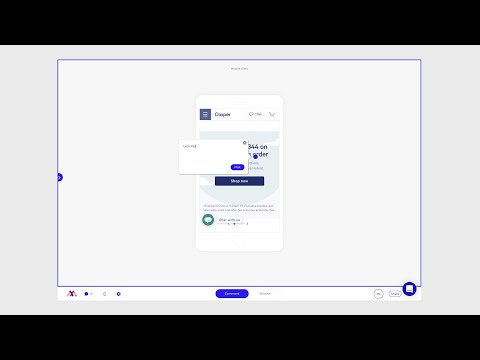
Collect clear, visual feedback on live websites, PDFs and images, straight from your browser. MarkUp lets you pin comments exactly where the issue is, capture a screenshot with every comment, and share a link so clients and colleagues can add their feedback too, without needing an account. WHAT YOU CAN DO - Comment directly on any page of a live website - Review images and PDFs in the same place - Share one link to collect everyone’s feedback in one place - Reply, assign and resolve comments as you work through changes COMMENT ON ANY PAGE Browse your website inside MarkUp and leave comments on any page. Comments are organized by page in the sidebar, and clicking one takes you straight to the page and pin location. SCREENSHOTS WITH EVERY COMMENT The extension captures a screenshot with each comment, so your team sees exactly what you saw when you left it. NO SIGN-UP FOR REVIEWERS Send the project link to clients or colleagues. They can review as a guest, no account needed, or sign up to create their own projects. PLANS AND PRICING MarkUp is a paid tool with a free trial (card required). Every plan includes a monthly MarkUp allowance and unlimited collaborators. See plans at markup.io/pricing. NO EXTENSION? NO PROBLEM You can also use MarkUp in your browser at markup.io.
4.1 out of 534 ratings
Details
- Version2.1.51
- Updated23 October 2026
- Size4.9MiB
- LanguagesEnglish
- DeveloperCerosWebsite
228 Park Ave S Suite 16327 New York, NY 10003-1502 USEmail
help@markup.ioPhone
+1 332-222-8440 - TraderThis developer has identified itself as a trader per the definition from the European Union and committed to only offer products or services that comply with EU laws.
Privacy

MarkUp For Chrome has disclosed the following information regarding the collection and usage of your data. More detailed information can be found in the developer's privacy policy.
MarkUp For Chrome handles the following:
This developer declares that your data is
- Not being sold to third parties, outside of the approved use cases
- Not being used or transferred for purposes that are unrelated to the item's core functionality
- Not being used or transferred to determine creditworthiness or for lending purposes
Support
For help with questions, suggestions or problems, please open this page on your desktop browser