

Marks for YouTube™

Overview
Mark moments in YouTube videos, label them, and jump back instantly.
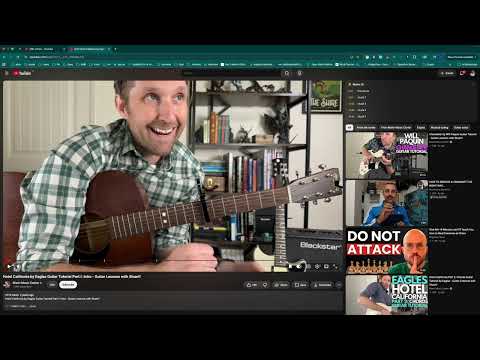
Watching a two-hour tutorial and need to find "the part where they install the dependencies" again? Mark it. Press B while watching any YouTube video to mark the exact moment, then give it a label. Your marks appear as ticks on the video's progress bar — hover to see the label, click to jump straight there. WHAT YOU GET • Mark with the B key or the bookmark button in the player controls • Label every mark, and rename or delete it any time • A marks panel next to the video — one click to jump • A dashboard of every video you've marked, searchable by title, channel, or label • Copy your marks as a chapter list or as timestamped links, ready to paste into your notes PRIVATE BY DESIGN Everything is stored in your own browser. No account, no sign-up, no analytics, and nothing is sent anywhere. Free. Not affiliated with or endorsed by YouTube. YouTube™ is a trademark of Google LLC.
0 out of 5No ratings
Details
- Version0.2.0
- UpdatedSeptember 1, 2026
- Size40.65KiB
- LanguagesEnglish (United States)
- Developer
Email
tubetubing@gmail.com - Non-traderThis developer has not identified itself as a trader. For consumers in the European Union, please note that consumer rights do not apply to contracts between you and this developer.
Privacy

This developer declares that your data is
- Not being sold to third parties, outside of the approved use cases
- Not being used or transferred for purposes that are unrelated to the item's core functionality
- Not being used or transferred to determine creditworthiness or for lending purposes