

Markdown Editor For Notion Lovers
7 ratings
)
Overview
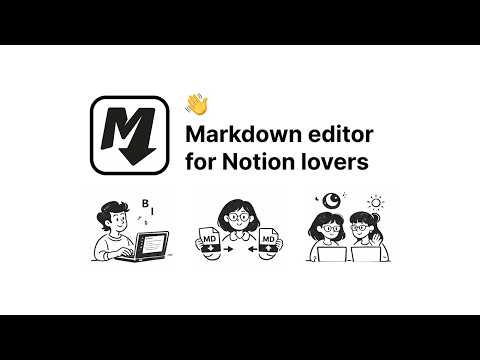
A clean local markdown editor with a Notion-like feel. Export to Markdown, PDF, or DOCX.
Edit and view markdown text as if you were in Notion, while keeping the simplicity and portability of Markdown: blocks, selection, drag and drop, tables, inline formatting, and a WYSIWYG editing experience that lets you focus on writing instead of fighting syntax. Import existing files, create documents from scratch, and work directly on your content through an intuitive, familiar interface. Everything flows the way you expect: select, convert, reorder, paste markdown, and keep writing. ✨ Notion-inspired experience. 🖊️ WYSIWYG editor: make changes directly in the content. 📥 Import .md files. 📤 Export to Markdown, PDF, or DOCX anytime. 📄 Create new Markdown documents from scratch. 🧱 Support for multiple block types: Text, H1-H6, Quote, Bullets, Numbers, Todo, Code block, Image, Table, Divider, and HTML block. 🔄 Convert blocks easily from the selection or the editor controls. ↕️ Drag and drop one or multiple blocks at once. 📊 Edit table columns and rows in a simple visual way. 🎨 Apply text formatting by selecting content directly. 📋 Copy and paste Markdown content while preserving structure correctly. 🗂️ Open .md files by dragging them into a new tab. ✅ Extension available in English, Spanish, French, Italian, and Portuguese.
5 out of 57 ratings
Details
- Version0.6.1
- UpdatedJune 3, 2026
- Offered byDiego Iglesias
- Size661KiB
- Languages6 languages
- Developer
Email
iamdiegoiglesias@gmail.com - Non-traderThis developer has not identified itself as a trader. For consumers in the European Union, please note that consumer rights do not apply to contracts between you and this developer.
Privacy

This developer declares that your data is
- Not being sold to third parties, outside of the approved use cases
- Not being used or transferred for purposes that are unrelated to the item's core functionality
- Not being used or transferred to determine creditworthiness or for lending purposes
Support
For help with questions, suggestions, or problems, please open this page on your desktop browser