

Mainframe Runtime Human Typer

Overview
The ultimate human typing simulator. Features auto-targeting, smart flow, natural errors, and background typing support.
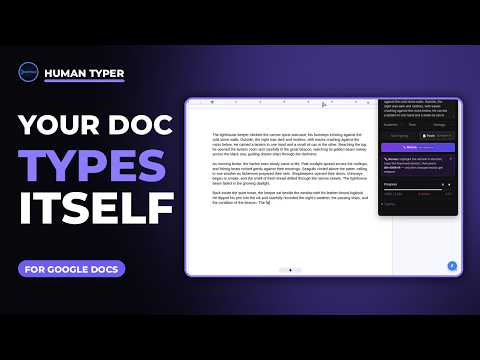
Human Typer types the text you give it into Google Docs with natural, human-like pacing — bursts, pauses, and the occasional typo it fixes itself, just like a real typing session. TWO WAYS TO WORK • Paste & Type (Alt+Shift+V): copy any text, press the shortcut, and watch it type into your document at your pace. • Revise (Alt+Shift+R): highlight text in your doc, copy an improved version, and Revise edits the selection in place — retyping only the words that changed and leaving everything else untouched. FEATURES • Natural pacing that varies like real typing, with an adjustable speed (about 70 WPM by default) • Word-level revisions while typing, so drafts improve as they go • Compose panel with personas and fine-tuning controls for timing • Optional biometrics mode that can learn your own typing rhythm • Progress readout on every run, with a final check that the finished text matches exactly PRIVACY Human Typer does not collect or send your data to the developer. Your settings stay in your browser. Text is only ever typed where you tell it to, when you start it.
0 out of 5No ratings
Details
- Version1.1.1
- UpdatedNovember 16, 2026
- Offered byMainframe Runtime
- Size454KiB
- LanguagesEnglish (United States)
- Developer
Email
mainframe.links.official@gmail.com - Non-traderThis developer has not identified itself as a trader. For consumers in the European Union, please note that consumer rights do not apply to contracts between you and this developer.
Privacy

This developer declares that your data is
- Not being sold to third parties, outside of the approved use cases
- Not being used or transferred for purposes that are unrelated to the item's core functionality
- Not being used or transferred to determine creditworthiness or for lending purposes
Support
For help with questions, suggestions, or problems, please open this page on your desktop browser