

Macro Search & Bulk Edit for Zendesk

Overview
Find any Zendesk macro by content — multi-word fuzzy search across titles and bodies, one-click insert, and bulk find & replace.
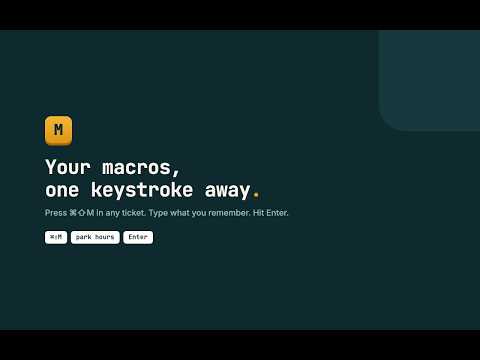
Zendesk macro search only matches the exact words of a macro title, in order. If an agent types "park hours" looking for a macro called "Water Park Operating Hours", Zendesk returns nothing. On support teams with hundreds of macros and canned responses, agents guess titles, pick the wrong reply, or give up and retype the answer. Macro Search fixes how you find macros in Zendesk: SEARCH BY CONTENT Press Ctrl+Shift+M (Cmd+Shift+M on Mac) in any ticket to search every macro by title, subject, or reply text. Type multiple words in any order. Matches are highlighted, and a preview shows the full reply with its placeholders before you commit. INSERT IN ONE KEYSTROKE Press Enter to insert the macro reply into your composer, or Alt+1 through Alt+9 to insert a numbered result instantly. Placeholders like {{ticket.requester.first_name}} stay intact, so Zendesk substitutes them when you send. BULK EDIT YOUR MACRO LIBRARY A URL changes, legal rewrites a sentence, or the company rebrands. Instead of editing hundreds of macros one by one, bulk find and replace searches every macro, shows a per-macro before and after diff, lets you untick any macro, and only writes after you confirm. BUILT FOR SUPPORT AGENTS AND ADMINS Works with your existing Zendesk session. No login, no API token, no setup. Private by design: your macros are cached locally in your browser and never sent to external servers. No analytics, no account. Useful from the first keystroke with the macros your team already has. Keyboard first: open, find, insert, and close without touching the mouse. PERMISSIONS Runs only on *.zendesk.com agent pages. The storage permission is used solely to cache your macro list locally for instant search. Not affiliated with or endorsed by Zendesk, Inc. "Zendesk" is a trademark of Zendesk, Inc., used only to describe compatibility.
0 out of 5No ratings
Details
- Version0.1.0
- UpdatedJuly 13, 2026
- Offered bykelvin.nyadzayo16
- Size33.3KiB
- LanguagesEnglish
- Developer
Email
kelvin.nyadzayo16@gmail.com - Non-traderThis developer has not identified itself as a trader. For consumers in the European Union, please note that consumer rights do not apply to contracts between you and this developer.
Privacy

This developer declares that your data is
- Not being sold to third parties, outside of the approved use cases
- Not being used or transferred for purposes that are unrelated to the item's core functionality
- Not being used or transferred to determine creditworthiness or for lending purposes