

Document AI Translator - Side-by-side Translate PDF, Google Docs, Notion

Overview
Translate PDF, Google Drive, Docs and Notion side by side with the original, layout intact. Ask AI to summarize, explain and answer.
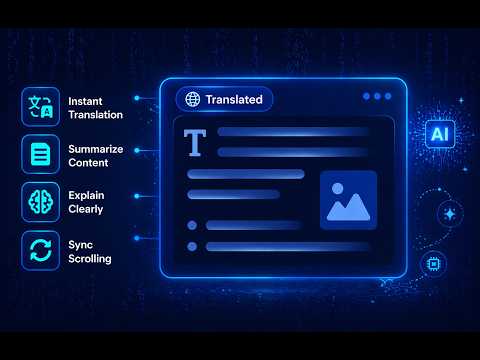
Read any document in your own language, right where it opens. Document AI Translator places a translated copy next to the original, keeps the layout, and comes with an AI assistant that summarizes, explains and answers questions about what you're reading. 🚀 Getting Started Open a PDF (online or saved on your computer), a file in Google Drive, a Google Doc or a Notion page. The extension asks if you want to translate it (or translates right away, if you prefer). Click Translate, and the translated version appears beside the original in a split view that keeps the headings, paragraphs and page layout of the source. Scroll on either side to keep both views in step, drag the divider to resize, and open "Ask AI" whenever you want a summary, an explanation or an answer about the document. ✨ Key Features ● Side-by-side split view with the original on the left and the translation on the right ● Keeps the original layout: pages, headings, lists, tables and paragraphs stay in place ● AI assistant in the side panel: summarize the document, explain difficult passages, or ask anything about it in a chat ● Synchronized scrolling between the two views (can be turned off) ● Translates into 50 languages 🔐 Privacy & Data Usage The extension only processes the documents you translate or ask the AI about. To produce translations and AI answers, the text is sent securely to our translation and AI service and used for that purpose only. Your documents are never modified, and we don't sell or share your content. AI conversations are kept only for a limited time so you can continue chatting, and you can clear a conversation at any time.
5 out of 52 ratings
Details
- Version1.4.0
- UpdatedNovember 4, 2026
- Size500KiB
- Languages7 languages
- Developer
- TraderThis developer has identified itself as a trader per the definition from the European Union and committed to only offer products or services that comply with EU laws.
Privacy

Document AI Translator - Side-by-side Translate PDF, Google Docs, Notion has disclosed the following information regarding the collection and usage of your data. More detailed information can be found in the developer's privacy policy.
Document AI Translator - Side-by-side Translate PDF, Google Docs, Notion handles the following:
This developer declares that your data is
- Not being sold to third parties, outside of the approved use cases
- Not being used or transferred for purposes that are unrelated to the item's core functionality
- Not being used or transferred to determine creditworthiness or for lending purposes
Support
For help with questions, suggestions, or problems, please open this page on your desktop browser