

Outro Swap

Overview
Replace the outro/ending song of any Netflix series with your own local audio file.
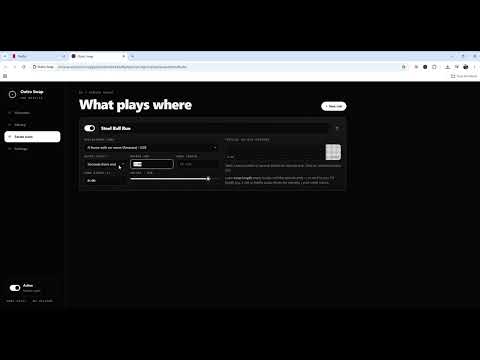
Tired of the same ending song every episode? Outro Swap lets you pick a song from your own computer and play it over a series’ outro instead. • Upload MP3, M4A, WAV, OGG or FLAC files to your personal library • Create a rule per series: choose the song, when the outro starts, and how long to play • Auto mode starts when the credits cue appears, or set an exact time • Smooth fade in/out, volume control, and perfect sync with pause, seek and speed • Mark the outro start right from the popup while watching • Press Shift + O to hear the original outro for one episode 100% local: your songs never leave your computer, nothing is uploaded, and no data is collected.
0 out of 5No ratings
Details
- Version1.3.0
- UpdatedNovember 8, 2026
- Offered byOutro Swap
- Size39.41KiB
- LanguagesEnglish
- Developer
Email
da.gentleduck@gmail.com - Non-traderThis developer has not identified itself as a trader. For consumers in the European Union, please note that consumer rights do not apply to contracts between you and this developer.
Privacy

Outro Swap has disclosed the following information regarding the collection and usage of your data. More detailed information can be found in the developer's privacy policy.
Outro Swap handles the following:
This developer declares that your data is
- Not being sold to third parties, outside of the approved use cases
- Not being used or transferred for purposes that are unrelated to the item's core functionality
- Not being used or transferred to determine creditworthiness or for lending purposes