


개요
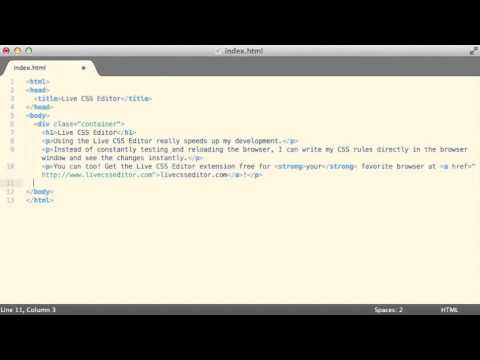
Live Write CSS onto any page
This extension provides a text box on any HTML page so that you can write CSS freely and immediately see the results. I use it every day for quick edits, product demos and other testing out new ideas. The extension options allow you to set a default key command to open and close the editor; turn off the warning that is shown when you close the editor; and enable or disable the automatic saving of your changes when you close the editor. Version 1.8.0 includes the following changes: - The ability to set a default editor size - Warnings and error messages when trying to use the editor in places that it won't work - Improved the CSS to make sure it isn't impacted by other page CSS - Use the Chrome Keyboard Shortcuts instead of a custom shortcut (BREAKING CHANGE) - Code cleanup Version 1.7.3 is mostly a version bump for manifest 2 support. It just brings it up to support the latest versions of Chrome. Version 1.7 includes: - Ability to move the window left / right as well as top / bottom. - Support for RTL pages (forces LTR on the editor) - Support for tab spacing in the editor - other minor bug fixes Version 1.6 includes the following: - You can now save styles that you create for the pages you visit. When you come back to the page, the new styles will be applied instantly. - The editor remembers the size of the editing box on a per url basis. If you've resized it, it will be the same size the next time you open it on that url. - Customizations are now saved per URL instead of per domain Version 1.5 includes the following updates: - Support for tabs in the text area - Support for https URLs - You can disable the warning message - It can remember your CSS changes, even after a refresh of the page - A keyboard command (ctrl+shift+E) can open and close the editor - You can configure the keyboard command in the options - The chrome icon is colorized instead of black - Faster, smoother operation and cleaner code - International Language Support Please update and try it out. You can follow @livecsseditor on twitter for updates and feedback. Thanks :) Jeremy Hubert http://twitter.com/livecsseditor http://twitter.com/jhubert
5점 만점에 3.8점평점 180개
세부정보
개인정보 보호
지원
질문, 제안 또는 문제와 관련하여 도움이 필요하면 데스크톱 브라우저에서 이 페이지를 여세요.