


總覽
Save & Share ChatGPT chats in private, protected or public mode
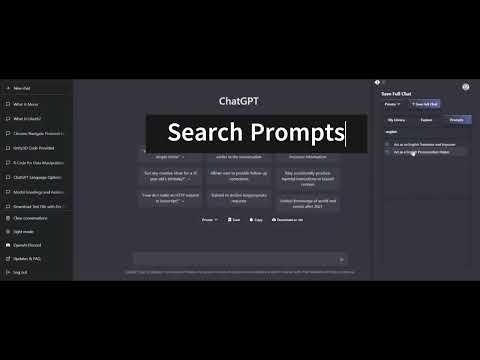
Supercharge your productivity in ChatGPT. Save your ChatGPT chats in Public, Private or Protected mode. You can also explore other public chats people had with AI. How it works: Step 1) Download the extension and login to Listgpt.com Step 2) Go to https://chat.openai.com/chat Step 3) A sidebar will automatically open, enabling you to save your chats. Features: - Save private chatgpt chats. - Set privacy to Public, Private or Protected (share link with people) - Get access to prompt library - Save your whole conversation with ChatGPT - Save only certain messages - Download messages as text files - Share a private link with others - Explore public conversations - Access your chats faster You can automatically save your chats in private, public or protected mode.
5 分 (滿分 5 分)1 個評分
詳細資料
隱私權

「ListGPT - Save & Share ChatGPT chats」已揭露下列關於收集及使用資料的資訊。
ListGPT - Save & Share ChatGPT chats 會處理下列資料:
這位開發者就你的資料做出下列聲明:
- 除經核准的用途外,不會將你的資料販售給第三方
- 不會基於與商品核心功能無關的目的,使用或轉移資料
- 不會為了確認信用度或基於貸款目的,使用或轉移資料
支援
如有疑問或建議,請前往開發人員的支援網站