

LinkedIn OneClick PDF Saver. Download presentation in 1 click
2 ratings
)
Overview
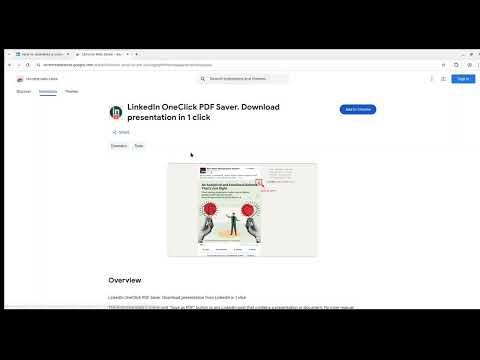
LinkedIn OneClick PDF Saver. Download presentation or carousel as PDF from LinkedIn in 1 click
This extension adds a convenient "Save as PDF" button to any LinkedIn post that contains a presentation or carousel/slides. No more manual workarounds or complex steps—simply click the button and the content will be saved to your device, ready to be viewed offline. Features: - One-Click Download: Instantly save presentations or carousel/slides from LinkedIn. - PDF Format: Downloads are saved as a standard PDF file for easy viewing. - Seamless Integration: The button appears naturally within the LinkedIn interface, blending in with the user experience. Perfect for students, researchers, and professionals who need to quickly save valuable content from their LinkedIn feed.
5 out of 52 ratings
Details
- Version1.0.2
- UpdatedNovember 14, 2025
- Offered byiextcreator
- Size20.64KiB
- Languages2 languages
- Developer
Email
iextcreator@gmail.com - Non-traderThis developer has not identified itself as a trader. For consumers in the European Union, please note that consumer rights do not apply to contracts between you and this developer.
Privacy

This developer declares that your data is
- Not being sold to third parties, outside of the approved use cases
- Not being used or transferred for purposes that are unrelated to the item's core functionality
- Not being used or transferred to determine creditworthiness or for lending purposes
Support
For help with questions, suggestions, or problems, please open this page on your desktop browser