

Link Preview Popup – Preview Links Without Opening
Overview
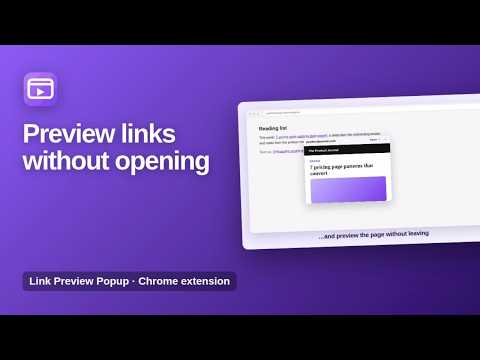
Hover over a link to preview the page in a small window. Click the toolbar icon to turn previews on for the current tab.
Preview any link in a small window, without opening a new tab. Link Preview Popup lets you look at a page before you decide to open it. Turn previews on for the current tab, hover over a link and the page appears right next to your cursor. Open it in a new tab only if it is worth it. ★ Hover to preview Rest on a link for half a second and a live preview of the page opens beside your cursor. ★ On when you need it Click the toolbar icon to turn previews on for the current tab. An ON badge shows when it is active. Click again to turn it off. ★ Quick actions Open the page in a new tab with one click, or press Esc or move away to close the preview. ★ Light and dark mode The preview follows your system theme. Some websites do not allow being shown inside other pages. For those, the preview offers a quick link to open the page in a new tab instead. How to use 1. Click the Link Preview Popup icon on any page. 2. Hover over a link. 3. Click Open to visit it, or move away to close. Available in English, Spanish, Portuguese, German, French and Turkish. Private by design Previews are loaded directly from the website you hover over, only when you ask for it. Nothing is collected or sent anywhere else. More information: https://www.extensions.kominikee.com/link-preview-popup/
0 out of 5No ratings
Details
- Version2.2
- UpdatedOctober 22, 2026
- Size16.46KiB
- Languages6 languages
- DeveloperKominike DigitalWebsite
Esentepe, Büyükdere Cd. No:12 Mecidiyeköy, İstanbul 34200 TREmail
hello@kominikee.com - Non-traderThis developer has not identified itself as a trader. For consumers in the European Union, please note that consumer rights do not apply to contracts between you and this developer.
Privacy

This developer declares that your data is
- Not being sold to third parties, outside of the approved use cases
- Not being used or transferred for purposes that are unrelated to the item's core functionality
- Not being used or transferred to determine creditworthiness or for lending purposes
Support
For help with questions, suggestions, or problems, please open this page on your desktop browser