

LeoTabs — Tab Manager & Switcher

Overview
Find open pages, put work away, and resume only what you need. Local collections, groups, notes and portable exports.
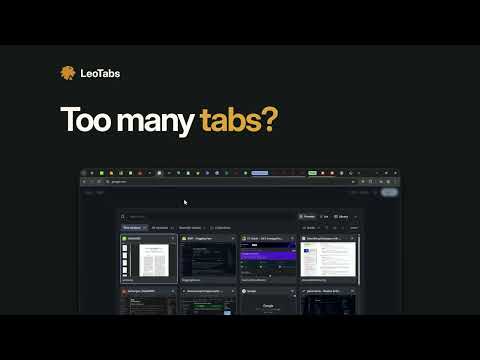
Best Open-source Extension for Tab Management and Switching. LeoTabs brings open tabs, saved links, and project notes together in a tab manager for Chrome and Edge. Keep research organized, put a project aside, and return when you’re ready. 🗂️ Save tabs by project Turn open tabs into collections and organize them into spaces. Drag and drop links, arrange groups, and add colors and notes. 🔄 Switch between projects Reopen a saved collection or switch your current window to it. Enable auto-update to keep the collection in step with your browsing. ⚡ Find the tab you need Press Alt+Q for a visual switcher with page previews, or Alt+Shift+K to search open tabs and saved links. Enable history search to find recently visited pages too. 🧹 Clear the clutter Group tabs by website, sort them, and close duplicates. Stash tabs to save them as a collection and close them together. ↩️ Recover earlier work Reopen recently closed pages, undo supported changes and restore earlier collection versions. ✨ Organize with AI Use your own API key to group tabs by topic, name new collections automatically, and organize saved links. Supports OpenAI, Claude, Gemini, DeepSeek, and compatible services. AI is optional; provider charges may apply. 📤 Export and take your work with you Import bookmarks and saved links. Export JSON backups, bookmark HTML, or Markdown—or send collections to Notion as pages containing links, groups, and notes. 🔒 Stored in your browser Your library stays in your browser profile. LeoTabs is free to use, with no account required, ads, or analytics. Optional AI features send relevant titles, URLs, and notes directly to your chosen provider. Notion receives the collections you export. Github: https://github.com/ringlochid/leotabs Guide: ringlochid.me/leotabs/docs/ Privacy: ringlochid.me/leotabs/privacy/ Support: support@ringlochid.me
5 out of 51 rating
Details
- Version0.15.2
- UpdatedSeptember 15, 2026
- Size1.22MiB
- LanguagesEnglish
- DeveloperWebsite
Email
ringlochid@gmail.com - Non-traderThis developer has not identified itself as a trader. For consumers in the European Union, please note that consumer rights do not apply to contracts between you and this developer.
Privacy

LeoTabs — Tab Manager & Switcher has disclosed the following information regarding the collection and usage of your data. More detailed information can be found in the developer's privacy policy.
LeoTabs — Tab Manager & Switcher handles the following:
This developer declares that your data is
- Not being sold to third parties, outside of the approved use cases
- Not being used or transferred for purposes that are unrelated to the item's core functionality
- Not being used or transferred to determine creditworthiness or for lending purposes
Support
For help with questions, suggestions, or problems, please open this page on your desktop browser