

CartItemizer: Receipt Itemizer for QuickBooks
7 ratings
)
Overview
Review multi-item order receipts, reconcile totals, and prepare CSV or IIF bookkeeping exports.
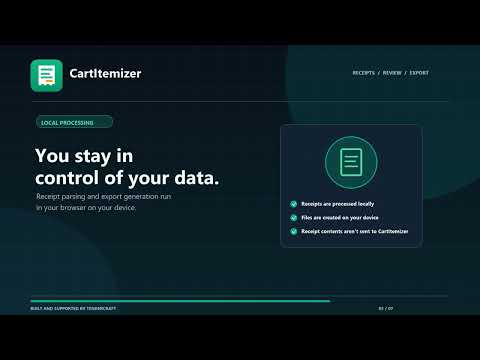
CartItemizer helps bookkeepers review multi-item order receipts before recording them. Open a supported order page, check the extracted line items, quantities, tax, shipping, and account categories, then compare the itemized total with the order total. Export reviewed data as a CSV or tab-separated file, or create an IIF file for a compatible desktop accounting workflow. CartItemizer prepares files; it does not connect to accounting software or post transactions. Review totals, account mappings, and import compatibility before using an export. Receipt contents are processed locally in your browser. Pro checkout and license activation use external services; see the privacy policy for details. New installs include a 7-day trial. Pro is $9/month or $89/year.
5 out of 57 ratings
Details
- Version1.3.5
- UpdatedOctober 7, 2026
- Size94.3KiB
- LanguagesEnglish
- Developer
Email
yahayayautama@gmail.com - Non-traderThis developer has not identified itself as a trader. For consumers in the European Union, please note that consumer rights do not apply to contracts between you and this developer.
Privacy

This developer declares that your data is
- Not being sold to third parties, outside of the approved use cases
- Not being used or transferred for purposes that are unrelated to the item's core functionality
- Not being used or transferred to determine creditworthiness or for lending purposes
Support
For help with questions, suggestions, or problems, visit the developer's support site