

Korean IME with Romanization Tool
92 lượt xếp hạng
)
Tổng quan
Allows one to type in Korean Hangul and includes a romanization tool.
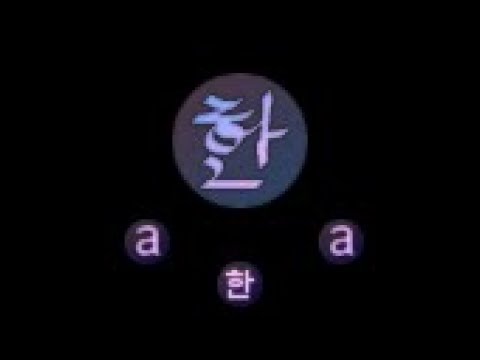
Update: now works in Google Docs This extension allows one to type in Korean (Hangul) without a system-wide IME installed. To switch between standard and Hangul mode, click the "a/한" icon (the extension icon), or tap the Alt key on the right hand side of the spacebar. The keyboard layout behaves the same as the Korean keyboard layout (2 Beolsik). This will work from any type of keyboard (Dvorak/Russian/Azerty, etc.) Additional features include: * Right-click on Hangul text and click "Romanize" to get a romanization of the Hangul. This is based on Revised Romanization, but doesn't include some of the complicated rules. * Moving the cursor to an existing character and pressing Shift+Backspace will re-enter edit mode on that character. It should work on any input field within a webpage, except Google Chrome Store as extensions are not allowed to run on those pages. This uses a Korean keyboard layout for the Hangul input, e.g. the letter "A" maps to the letter "ㅁ" which is 'm' in Korean. If you are unfamiliar with the Korean keyboard layout, please Google it.
3,4/592 lượt xếp hạng
Chi tiết
- Phiên bản2.2.2
- Đã cập nhật15 tháng 1, 2020
- Nhà cung cấpVincent
- Kích thước31.57KiB
- Ngôn ngữ3 ngôn ngữ
- Nhà phát triển
Email
mcnabb.vincent@gmail.com - Người bán phi thương mạiNhà phát triển này không tự nhận mình là người bán. Đối với người tiêu dùng ở Liên minh Châu Âu, xin lưu ý rằng các quyền của người tiêu dùng không được áp dụng trong hợp đồng giữa bạn và nhà phát triển này.
Quyền riêng tư

Hỗ trợ
Nếu bạn có câu hỏi, ý kiến đề xuất hoặc gặp vấn đề, vui lòng mở trang này bằng trình duyệt dành cho máy tính để được trợ giúp