

Korean IME with Romanization Tool
92 puan
)
Genel bakış
Allows one to type in Korean Hangul and includes a romanization tool.
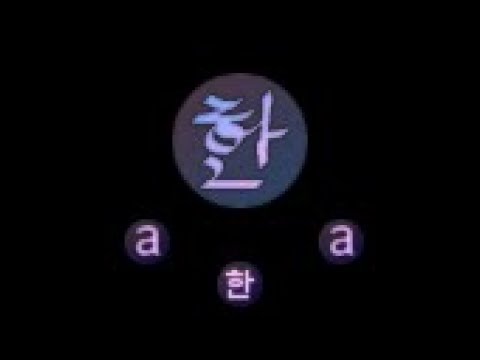
Update: now works in Google Docs This extension allows one to type in Korean (Hangul) without a system-wide IME installed. To switch between standard and Hangul mode, click the "a/한" icon (the extension icon), or tap the Alt key on the right hand side of the spacebar. The keyboard layout behaves the same as the Korean keyboard layout (2 Beolsik). This will work from any type of keyboard (Dvorak/Russian/Azerty, etc.) Additional features include: * Right-click on Hangul text and click "Romanize" to get a romanization of the Hangul. This is based on Revised Romanization, but doesn't include some of the complicated rules. * Moving the cursor to an existing character and pressing Shift+Backspace will re-enter edit mode on that character. It should work on any input field within a webpage, except Google Chrome Store as extensions are not allowed to run on those pages. This uses a Korean keyboard layout for the Hangul input, e.g. the letter "A" maps to the letter "ㅁ" which is 'm' in Korean. If you are unfamiliar with the Korean keyboard layout, please Google it.
5 üzerinden 3,492 puan
Ayrıntılar
- Sürüm2.2.2
- Güncellenme tarihi:15 Ocak 2020
- Sunan:Vincent
- Boyut31.57KiB
- Diller3 dil
- Geliştirici
E-posta
mcnabb.vincent@gmail.com - Tacir olmayanBu yayıncı kendisini tacir olarak tanımlamamış. Avrupa Birliği'ndeki tüketiciler açısından bakıldığında, bu geliştiriciyle yapmış olduğunuz sözleşmelerde tüketici haklarının geçerli olmadığını lütfen unutmayın.
Gizlilik

Destek
Sorular, öneriler veya sorunlarla ilgili yardım için lütfen bu sayfayı masaüstü tarayıcınızda açın