

Korean IME with Romanization Tool
92 rating
)
Ringkasan
Allows one to type in Korean Hangul and includes a romanization tool.
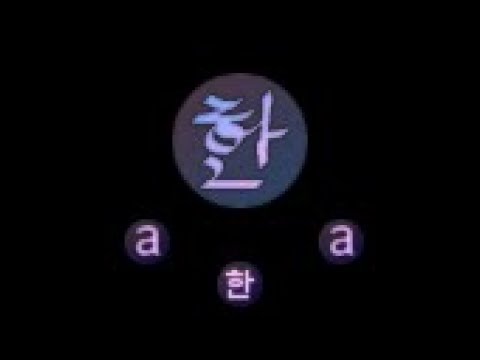
Update: now works in Google Docs This extension allows one to type in Korean (Hangul) without a system-wide IME installed. To switch between standard and Hangul mode, click the "a/한" icon (the extension icon), or tap the Alt key on the right hand side of the spacebar. The keyboard layout behaves the same as the Korean keyboard layout (2 Beolsik). This will work from any type of keyboard (Dvorak/Russian/Azerty, etc.) Additional features include: * Right-click on Hangul text and click "Romanize" to get a romanization of the Hangul. This is based on Revised Romanization, but doesn't include some of the complicated rules. * Moving the cursor to an existing character and pressing Shift+Backspace will re-enter edit mode on that character. It should work on any input field within a webpage, except Google Chrome Store as extensions are not allowed to run on those pages. This uses a Korean keyboard layout for the Hangul input, e.g. the letter "A" maps to the letter "ㅁ" which is 'm' in Korean. If you are unfamiliar with the Korean keyboard layout, please Google it.
3,4 dari 592 rating
Detail
- Versi2.2.2
- Diupdate15 Januari 2020
- Ditawarkan olehVincent
- Ukuran31.57KiB
- Bahasa3 bahasa
- Developer
Email
mcnabb.vincent@gmail.com - Non-pedagangDeveloper ini tidak mengidentifikasi diri sebagai pedagang. Bagi konsumen di Uni Eropa, perlu diperhatikan bahwa hak konsumen tidak berlaku untuk kontrak antara Anda dan developer ini.
Privasi

Dukungan
Untuk mendapatkan bantuan terkait pertanyaan, saran, atau masalah, buka halaman ini di browser desktop Anda