

HS Nav
4 ratings
)
Overview
Quickly navigate within HubSpot.
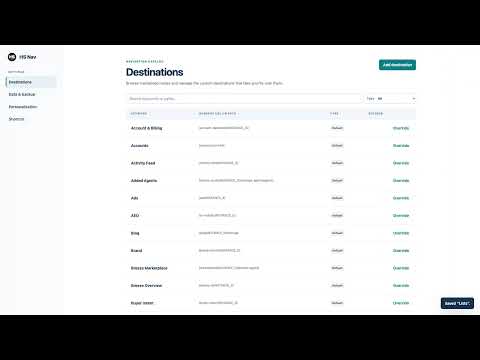
HS Nav is the solution to the "Where in the navigation are lists again?" problem. Navigate through HubSpot at blazing speed using just your keyboard. Keyboard Shortcuts: To open the search bar use the following shortcuts or click on the extension icon. Windows/Linux: Ctrl+Shift+K macOS: Command+Shift+K You can adjust the shortcut in your Chrome settings. We've left the Command+K shortcut as the default HubSpot search for finding records when needed. Custom Shortcuts: You can create your own shortcuts for high-priority records or specific reports/dashboards. You can also use it to quickly change to another HubSpot account. Open Source Contribution: This project is open-source! If you notice any missing redirects, feel free to open an issue or even submit a pull request on GitHub: https://github.com/danguenet/hs-nav
5 out of 54 ratings
Details
- Version2.0.0
- UpdatedJuly 29, 2026
- Size54.89KiB
- LanguagesEnglish (United States)
- Developer
Email
dan@performancerevops.com - Non-traderThis developer has not identified itself as a trader. For consumers in the European Union, please note that consumer rights do not apply to contracts between you and this developer.
Privacy

This developer declares that your data is
- Not being sold to third parties, outside of the approved use cases
- Not being used or transferred for purposes that are unrelated to the item's core functionality
- Not being used or transferred to determine creditworthiness or for lending purposes