

Keyword Blocker
26 件の評価
)
概要
Block pages containing specified keywords.
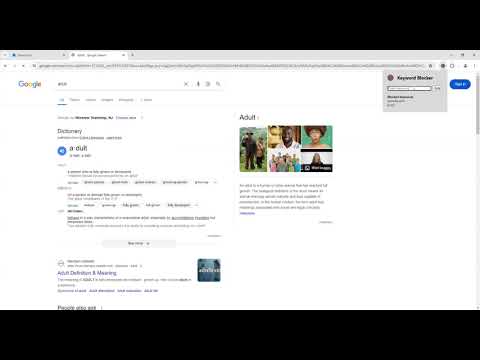
Keyword Blocker automatically closes websites whose URL contains one or more keywords you have blocked. This extension serves as an easy way to block any keywords or websites that you want to avoid. Once installed, clicking on the extension icon will open a popup that lets you enter new block terms and see the lists of your currently blocked keywords and regex patterns. To add a keyword, type the word in the textbox and then press enter or the add button. Any sites that contain the keyword will be closed, and any new sites you try to open that contain it will close immediately. To add a regex pattern, it is the same process, except before pressing enter or the add button, turn on the Block Regex Pattern toggle. Once a keyword or regex pattern has been added, you can make it locked in by pressing the Confirm Button, or remove it with the Remove Button. There is no way to remove a keyword once it has been locked in, this way you don't feel tempted to remove it later on. I personally recommended using Registry Editor to prevent this extension from being removed to secure your blocking even more.
5 点満点で 4.226 件の評価
詳細
- バージョン1.1.0
- 更新:2025年5月1日
- 提供元LekyDree
- サイズ22.98KiB
- 言語English
- デベロッパー
メール
kreed091803@gmail.com - 非取引業者このデベロッパーは取引業者として申告していません。EU 加盟国の消費者とこのデベロッパーとの間に締結された契約には、消費者の権利が適用されません。
プライバシー

このデベロッパーは、お客様のデータについて以下を宣言しています
- 承認されている以外の用途で第三者に販売しないこと
- アイテムの中心機能と関係のない目的で使用または転送しないこと
- 信用力を判断する目的または融資目的で使用または転送しないこと