

JSON Editor

概述
Effortless JSON Editing, Anywhere!
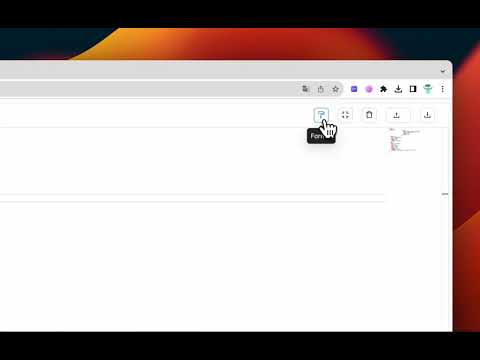
Streamline your JSON data management with JSON Editor, a powerful extension that simplifies the process of editing, visualizing, and validating JSON files right in your browser. Whether you're a developer, data analyst, or just working with JSON data, this tool is designed to enhance your workflow. Hotkeys: 👉 Ctrl+Shift+E or Command+Shift+E to open editor quickly anywhere Key Features: 👉 Intuitive Interface: Effortlessly navigate and edit your JSON data with a user-friendly interface that's designed for both beginners and seasoned professionals. 👉 Real-time Validation: Ensure your JSON data is well-formed and error-free with our built-in validator, providing instant feedback on any syntax issues. 👉 Syntax Highlighting: Easily identify key components of your JSON objects with syntax highlighting for improved readability. 👉 Import and Export: Seamlessly import JSON files or paste in data from your clipboard. Export edited files with a single click. 👉Compatibility: Works with a wide range of web applications and platforms, providing a versatile solution for all your JSON editing needs. Get started now and revolutionize the way you handle JSON data!
0 星(5 星制)无评分
详情
- 版本2.1
- 上次更新日期2024年10月14日
- 提供方culicode
- 大小3.04MiB
- 语言English
- 开发者HCM Ho Chi Minh, Ho Chi Minh City 700000 VN
邮箱
phanlequang99@gmail.com - 非交易者该开发者尚未将自己标识为交易者。欧盟地区消费者须知:消费者权利可能不适用于您与该开发者达成的合约。
隐私权

该开发者已声明,您的数据:
- 不会因未获批准的用途出售给第三方
- 不会为实现与产品核心功能无关的目的而使用或转移
- 不会为确定信用度或放贷目的而使用或转移
支持
若有任何疑问、建议或问题,请在桌面浏览器中打开此页面