

ScreenSmooth - Screen Recorder with Auto Zoom
1 rating
)
Overview
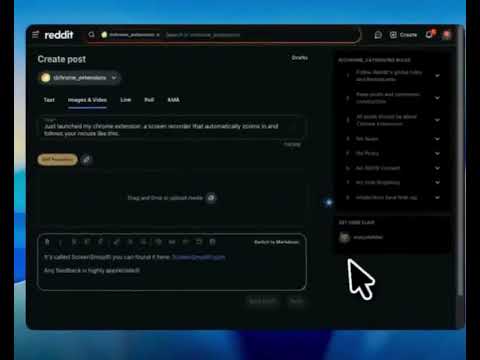
ScreenSmooth creates beautiful screen recordings with automatic zooms, pans, and smooth cursor that keep the viewer engaged.
ScreenSmooth is a screen recorder that automatically zooms in when you click - good for creating professional tutorials and demos without manual editing. KEY FEATURES: - Auto-zoom on clicks - focuses attention automatically - Smooth cursor tracking - no jittery movements - Custom backgrounds - macOS/Windows style frames - One-click export - download instantly - Privacy-first - recording only on your device PRIVACY: All recording happens locally. No recording data sent to servers. Get ScreenSmooth and make professional screen recordings in minutes.
5 out of 51 rating
Details
- Version0.5.0
- UpdatedJune 14, 2026
- FeaturesOffers in-app purchases
- Offered byscreensmoothapp
- Size29.26MiB
- LanguagesEnglish (United States)
- Developer
Email
screensmoothapp@gmail.com - Non-traderThis developer has not identified itself as a trader. For consumers in the European Union, please note that consumer rights do not apply to contracts between you and this developer.
Privacy

This developer declares that your data is
- Not being sold to third parties, outside of the approved use cases
- Not being used or transferred for purposes that are unrelated to the item's core functionality
- Not being used or transferred to determine creditworthiness or for lending purposes
Support
For help with questions, suggestions, or problems, please open this page on your desktop browser