

Timesheet Autofill for JobHawk

Overview
Log work sessions with hours and notes.
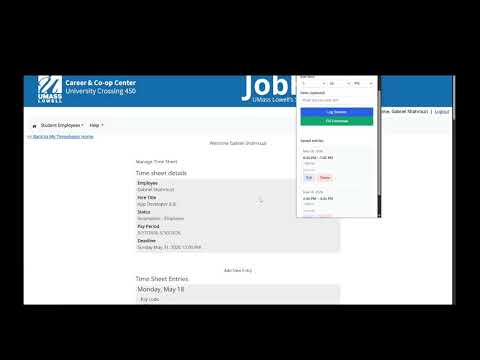
JobHawk Auto Timesheet is a Chrome extension designed specifically for the UML JobHawk platform to simplify and speed up timesheet entry. Filling out timesheets manually on JobHawk can be repetitive and time-consuming. This extension reduces that friction by automatically handling the most tedious parts of the process. Key features: • Automatically sets the end time to the current time • Uses the previous entry’s end time as the next start time • Minimizes repetitive time input • Allows quick entry of notes for each work session • Stores session data locally for later submission When you're ready to submit, the extension can take your stored work sessions and help populate your JobHawk timesheet on the UML website, reducing manual effort. This tool is designed for UML students and employees who use JobHawk for hourly time tracking and want a faster, more efficient workflow. Note: This extension is not affiliated with or endorsed by JobHawk or UMass Lowell. All data is handled locally within the extension.
0 out of 5No ratings
Details
- Version1.1.0
- UpdatedJune 4, 2026
- Offered bygshahrouzi
- Size27.71KiB
- LanguagesEnglish
- Developer
Email
gshahrouzi@gmail.com - Non-traderThis developer has not identified itself as a trader. For consumers in the European Union, please note that consumer rights do not apply to contracts between you and this developer.
Privacy

This developer declares that your data is
- Not being sold to third parties, outside of the approved use cases
- Not being used or transferred for purposes that are unrelated to the item's core functionality
- Not being used or transferred to determine creditworthiness or for lending purposes