


Visió general
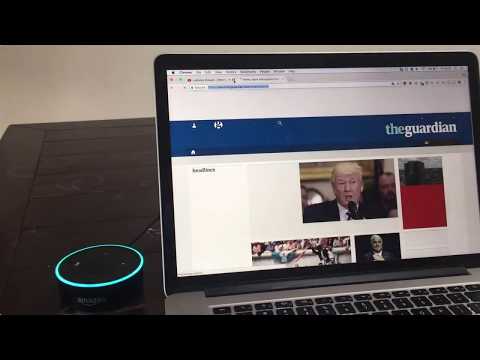
Control your Browser via Amazon Alexa
Control your Chrome™ browser via Amazon Alexa! This skill works together with the Alexa skill BrowserHelp. To install the Alexa skill, visit: www.browserhelp.me Syncing skill and extension works by Login With Amazon. After installing the Chrome™ extension, you will be prompted to login with the same Amazon account as you are using for your Echo device. Likewise, when first started, this BrowserHelp skill will prompt you to link with your account. After these steps are completed, simply try one of the sample utterances to get started. After starting the skill, you can try any of the following phrases: - Search with Google - Highlight links - Open link {number} - Remove highlighting - Navigate {back/forward} - Open favourite {1/2/3} - Scroll {up/down} - Reload page - {Open/close} tab - Show news - Open {Youtube/Google/Facebook/Twitter/Hacker News}
3,4 de 517 puntuacions
Detalls
- Versió0.0.1
- Actualitzat23 de juny del 2017
- Mida93.66KiB
- IdiomesEnglish (United States)
- Desenvolupador
- No comerciantAquest desenvolupador no s'ha identificat com a comerciant. Els consumidors de la Unió Europea han de saber que els drets dels consumidors no s'aplicaran als contractes que concertin amb aquest desenvolupador.