


Overview
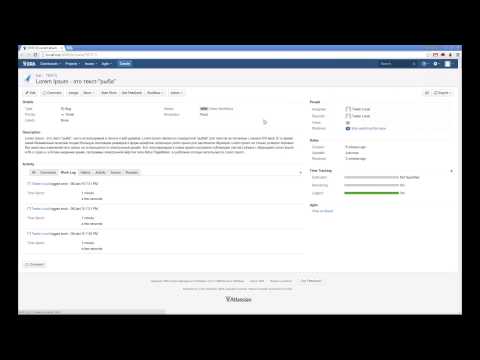
Track Atlassian JIRA issues, run JQL workspaces, switch statuses, and log work time right from your browser toolbar.
Keep your Atlassian JIRA boards one shortcut away without keeping heavy JIRA tabs open all day. Jironimo turns your issues into a fast, color-coded tile board right in your browser toolbar so you can check updates, transition statuses, and log work in seconds. Jironimo Overview: • Instant issue overview: View your JIRA issues as color-coded tiles sized by issue type and styled by priority. • Custom JQL workspaces: Organize your work into separate tabs using any JQL filter, or import your favorite filters directly from JIRA. • Built-in worklog timer: Start a timer on any issue, see elapsed time on the extension badge, and automatically submit your worklog to JIRA when you stop. • One-click status transitions: Move issues through your workflow (Start Progress, Resolve, Close) directly from the tile toolbar. • Desktop change notifications: Get notified when teammates update issues in your watched workspaces. • Multiple JIRA accounts: Connect several JIRA servers or cloud instances and switch between them seamlessly. • Privacy-first & open-source: Connects directly to your JIRA server using your active browser session. No middleware, no third-party servers, and no tracking. Getting started: 1. Log in to your JIRA account in Chrome. 2. Open Jironimo Settings, enter your JIRA URL, and enable the account. 3. Press Alt + J (Windows/Linux) or Command + J (Mac) anytime to open your board. Source code & issue tracker: https://github.com/kkamkou/chrome-jironimo
4.7 out of 511 ratings
Details
- Version7.1.0
- UpdatedNovember 11, 2026
- Size449KiB
- Languages2 languages
- DeveloperWebsite
Email
me@2ka.by - Non-traderThis developer has not identified itself as a trader. For consumers in the European Union, please note that consumer rights do not apply to contracts between you and this developer.
Privacy

This developer declares that your data is
- Not being sold to third parties, outside of the approved use cases
- Not being used or transferred for purposes that are unrelated to the item's core functionality
- Not being used or transferred to determine creditworthiness or for lending purposes
Support
For help with questions, suggestions, or problems, visit the developer's support site